Diagnostics#
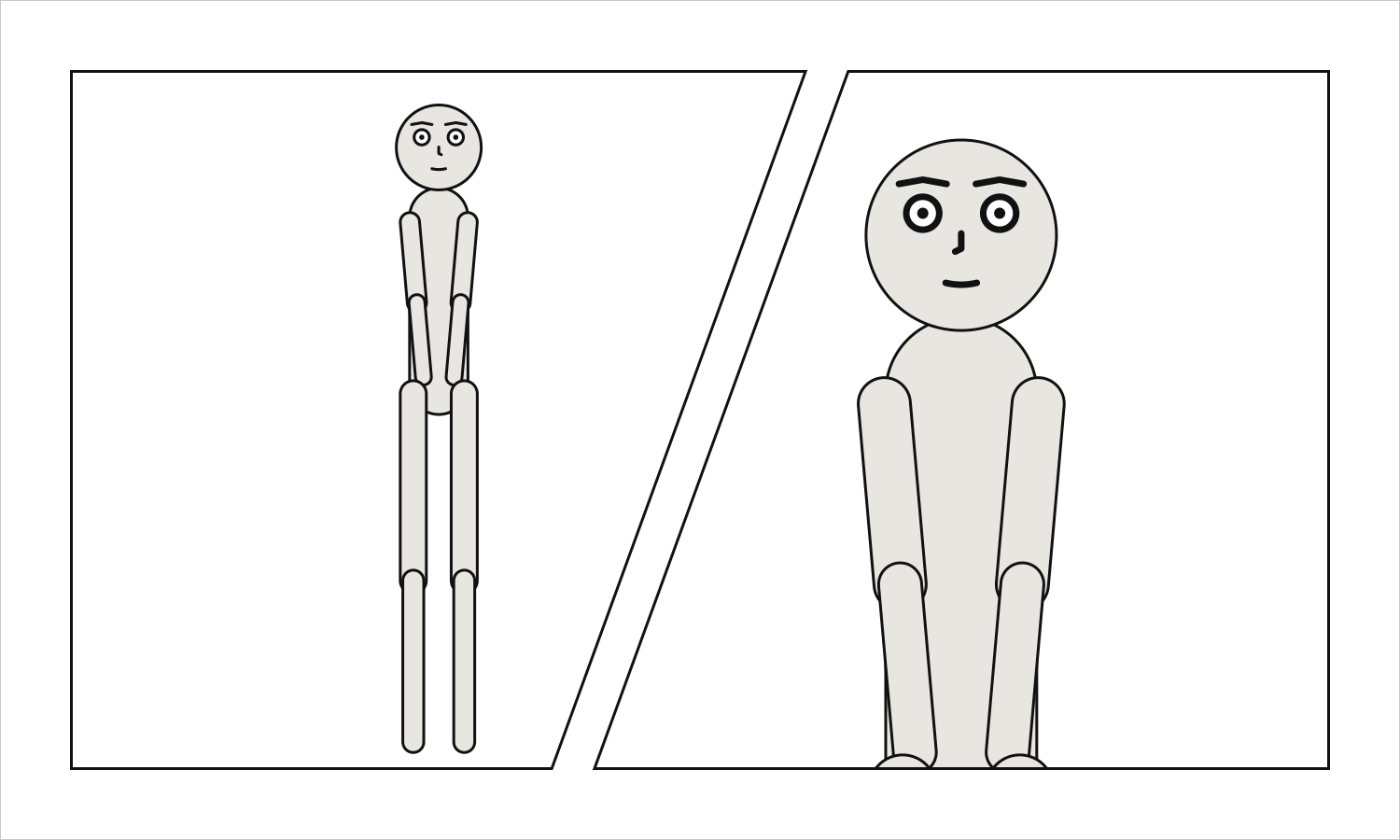
Everything scenet check reports and every note the compiler gives, each with an entry: what
it says, why it happens, how to fix it, the keys that can give it and the release it was
first given in – then a document that gives it, what the command line prints of that
document, and the same document fixed. Every document on this page is checked by the test
suite: the first of each pair gives exactly that diagnostic, and its fixed twin gives
nothing at all.
The ids are stable across releases. A report prefixes a rule’s id with scenet/, as
scenet/unknown-key; SARIF links each rule here, from its helpUri. A compile note’s name is
what a gallery example’s notes: declares it by. The documents name pictures, fonts and a
puppet the gallery has beside it, which the playground has beside every document it opens.
At a glance#
Id |
Level |
Says |
|---|---|---|
error |
A picture’s artwork contract cannot be read |
|
error |
A balloon or caption has no legal position |
|
error |
A caption that is not |
|
error |
An |
|
error |
A cast member is a puppet and a figure, or a cast mixes the two |
|
error |
A setting says what is behind the cast twice |
|
error |
A key is written twice in one mapping |
|
error |
Two panels in a comic script have the same name |
|
error |
Staging or a camera for figures a picture draws |
|
error |
A declared font file cannot be read |
|
error |
A supplied picture cannot be read |
|
error |
The compiler failed in a way it does not have a rule for |
|
error |
A field has the wrong shape or value |
|
error |
No layout satisfies the panel’s constraints |
|
error |
A required field is missing |
|
error |
The document is not a mapping |
|
error |
A line is spoken from off panel by somebody drawn in the panel |
|
error |
Horizontal ordering contains a cycle |
|
error |
A page cannot lay out what it says |
|
error |
A panel names a reading direction of its own |
|
error |
The panel has no usable area |
|
error |
A puppet file a cast member names cannot be read |
|
error |
A relation relates an actor to itself |
|
error |
A sound effect has no legal position |
|
error |
The document is not valid YAML |
|
error |
Emphasis opened with an underscore is never closed |
|
error |
Reference to an actor that is not in the cast |
|
error |
Reference to an expression the character does not have |
|
error |
A figure the panel’s picture does not draw |
|
error |
Unknown key |
|
error |
Reference to a place the library does not have |
|
error |
Reference to a pose the character does not have |
|
error |
Reference to a character the library does not contain |
|
error |
A YAML anchor or alias is written |
|
error |
A YAML merge key is written |
|
error |
A YAML tag is written |
|
note |
A shared staging relation does not apply in a panel its actor is left out of |
|
note |
A line in a comic script is set like dialogue but is not read as dialogue |
|
note |
A comic script’s PAGE heading states a count its panels do not match |
|
note |
A balloon, caption or panel holds more words than a letterer fits well |
|
note |
No bold italic face is named, so another face stands in for it |
|
note |
The camera stepped back so the cast would fit across the panel |
|
note |
A character’s marks run off the panel at this framing |
|
note |
A speaking figure’s mouth is cropped out of the panel by the picture’s fit |
|
note |
A balloon’s tail bends around a face |
|
note |
An inset is drawn over a face |
|
note |
No italic face is named, so the regular face stands in for it |
|
note |
A slanted gutter cuts across a face |
Errors#
A contradiction the compiler cannot build past. scenet check reports it and fails, and scenet build stops on the first it meets, exit status 1.
artwork-contract#
Level |
error |
Says |
A picture’s artwork contract cannot be read |
Keys |
Every key of an artwork contract; and |
Since |
0.12 |
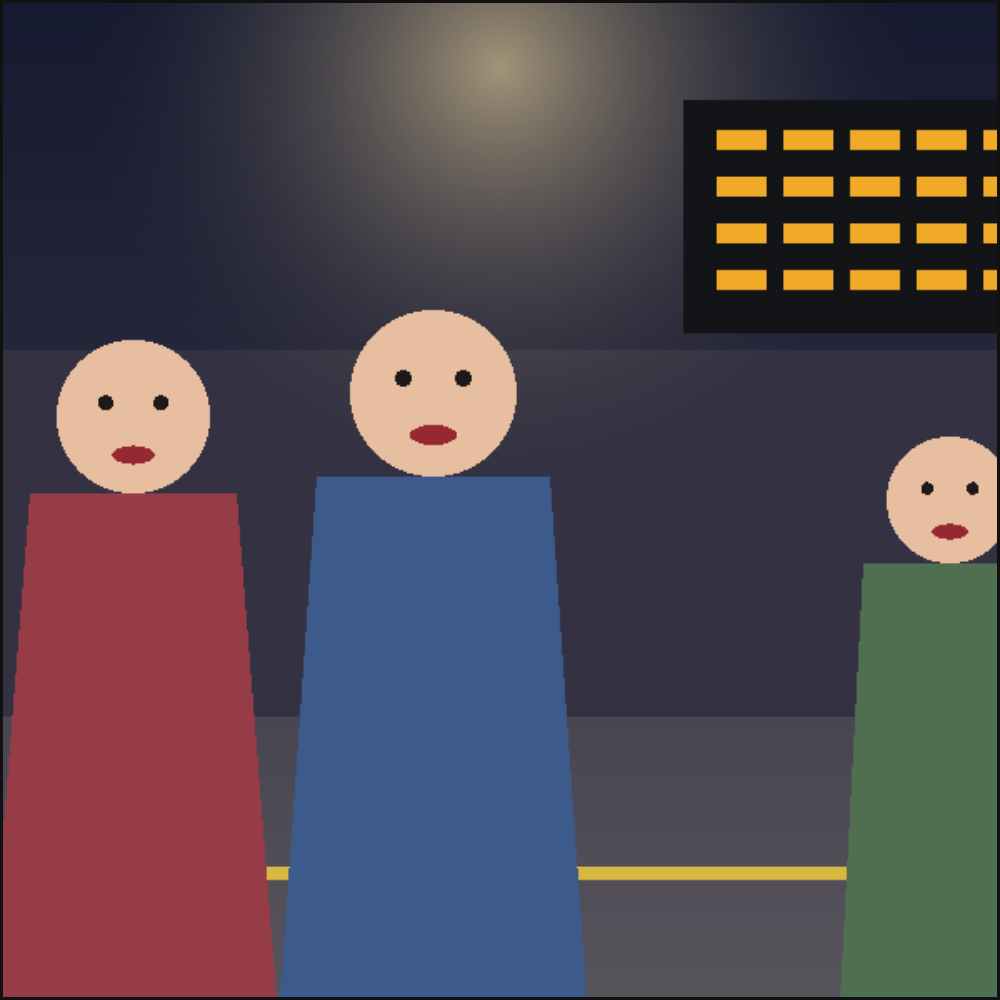
Why it happens. A panel that casts a figure a supplied picture draws reads the picture’s artwork contract, beside it and named after it: art/p01.png has its contract at art/p01.art.yaml. It must be there, and be YAML holding the picture’s size, its figures and its keep_out regions, in the picture’s own pixels. The size must be the picture’s, every point must lie on the picture, and every region must be a simple polygon. A fault inside the contract is reported in it, when the document was checked as a file.
How to fix it. Put the contract beside its picture with the picture’s name, measure it on this picture, and check it against scenet schema --artwork. The debug overlay (scenet build --debug) draws what it declares over the panel.
Checked as artwork-contract.panel.yaml:
# The street has no artwork contract beside it, so nobody can say where its figures are.
cast: {ana: {figure: ana}}
setting: {image: art/street.png}
scenet check artwork-contract.panel.yaml says:
artwork-contract.panel.yaml:3:18: artwork-contract: artwork contract file 'art/street.art.yaml' was not found beside the document
Fixed:
# The figures picture has its contract beside it, art/figures.art.yaml, measured on it.
cast: {ana: {figure: ana}}
setting: {image: art/figures.png}
balloon-placement#
Level |
error |
Says |
A balloon or caption has no legal position |
Keys |
|
Since |
0.3 |
Why it happens. Every candidate position covered a face, left the panel, overlapped a box already placed, or would have broken reading order.
How to fix it. Widen the panel, shorten the line, or split it across two panels.
Checked as balloon-placement.panel.yaml:
# Valid, but at an extreme close-up the face fills the frame and no word fits.
camera: {shot: extreme_close_up}
panel: {size: [300, 300]}
cast: {alice: {reference: alice}}
script:
  - say: {by: alice, text: "There is no room anywhere in this panel for a line this long."}
scenet check --deep balloon-placement.panel.yaml says:
balloon-placement.panel.yaml:2:1: balloon-placement: no legal position for balloon 0 spoken by 'alice': every candidate either covered a face, left the panel, overlapped another balloon, lay under an inset, or broke reading order
Fixed:
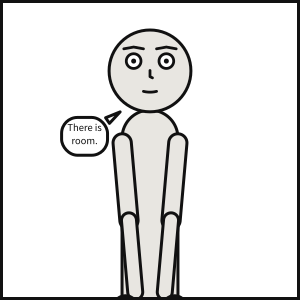
# A looser shot leaves room around the face for the line.
camera: {shot: medium_shot}
panel: {size: [300, 300]}
cast: {alice: {reference: alice}}
script:
  - say: {by: alice, text: "There is room."}
caption-speaker#
Level |
error |
Says |
A caption that is not |
Keys |
|
Since |
0.11 |
Why it happens. by names who says an off-panel line, so only a spoken caption has one. A locale box states a place and a time, a monologue is a voice nobody hears and an editorial one is the writer’s: none of them is said by anybody, so a speaker named on one is a mistake rather than a field to ignore.
How to fix it. Remove by, or make the caption kind: spoken if somebody off panel says it.
Checked as caption-speaker.panel.yaml:
# A locale caption naming a speaker: only a spoken caption has one.
cast: {alice: {reference: alice}}
script:
  - caption: {text: "Midnight. The docks.", kind: locale, by: harbourmaster}
scenet check caption-speaker.panel.yaml says:
caption-speaker.panel.yaml:4:63: caption-speaker: only a 'spoken' caption may name a speaker, but this one is 'locale'
Fixed:
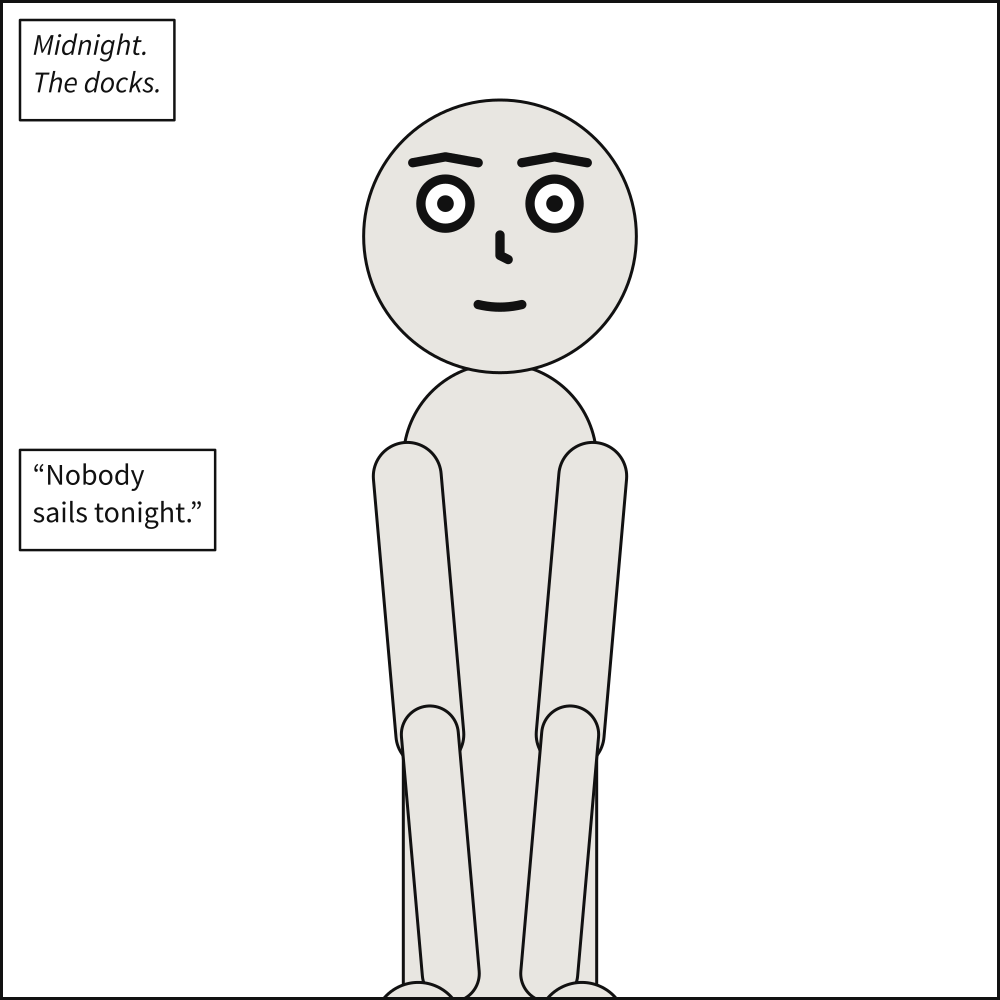
# A locale caption names nobody; the harbourmaster's words are a spoken caption.
cast: {alice: {reference: alice}}
script:
  - caption: {text: "Midnight. The docks.", kind: locale}
  - caption: {text: "Nobody sails tonight.", kind: spoken, by: harbourmaster}
composition#
Why it happens. A panel inherits from one that does not exist, or the chain is cyclic and so has no fixed point to resolve to.
How to fix it. Check the panel name in over: and that the chain terminates.
Checked as composition.scene.yaml:
# Over a panel that is not there.
cast: {alice: {reference: alice}}
panels:
  one: {}
  two: {over: ghost}
scenet check composition.scene.yaml says:
composition.scene.yaml:5:15: composition: panel 'two' is over 'ghost', which does not exist; declared panels are ['one', 'two']
Fixed:
# `two` is over `one`, which the scene defines.
cast: {alice: {reference: alice}}
panels:
  one: {}
  two: {over: one}
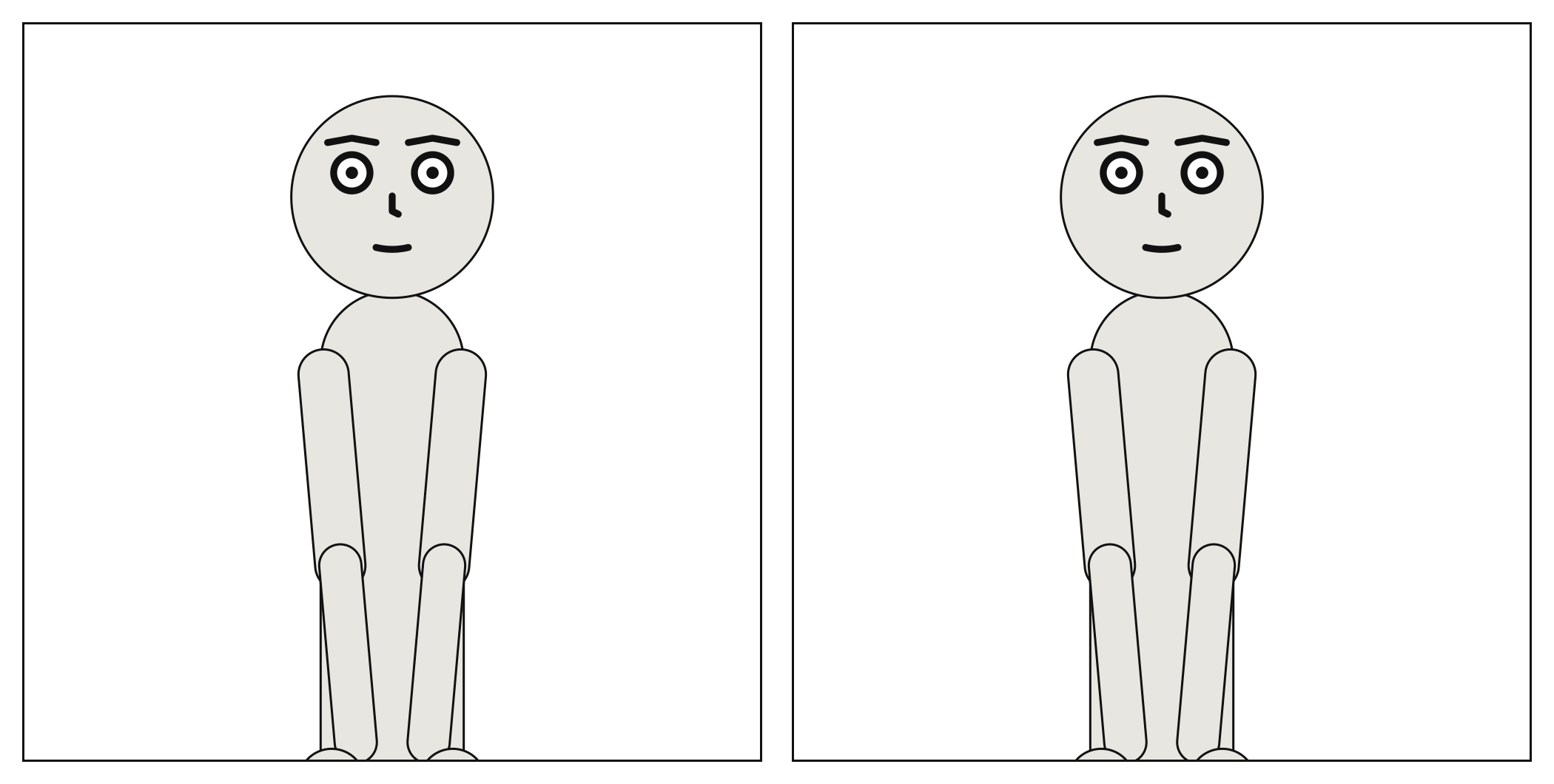
conflicting-cast#
Level |
error |
Says |
A cast member is a puppet and a figure, or a cast mixes the two |
Keys |
|
Since |
0.12 |
Why it happens. A cast member is a puppet Scenet poses (reference) or a figure a supplied picture draws (figure), never both. Nobody poses or places a figure, so a puppet’s pose, expression, marks, at and facing do not apply to one. A cast is all puppets or all figures, since staging and the camera would place a puppet over a painted face they cannot see; and one figure is one person, played by one cast member.
How to fix it. Keep reference or figure. On a member inherited from a scene’s defaults, write the other as null, and the same for a puppet’s keys.
Checked as conflicting-cast.panel.yaml:
# A cast member is a puppet Scenet poses or a figure a picture draws, not both.
cast: {ana: {figure: ana, reference: alice}}
setting: {image: art/figures.png}
scenet check conflicting-cast.panel.yaml says:
conflicting-cast.panel.yaml:2:38: conflicting-cast: cast member 'ana' names a puppet and a figure the picture draws; it is one or the other. Over an inherited member, write `reference: null`
Fixed:
# Ana is the figure the picture draws, and nothing else.
cast: {ana: {figure: ana}}
setting: {image: art/figures.png}
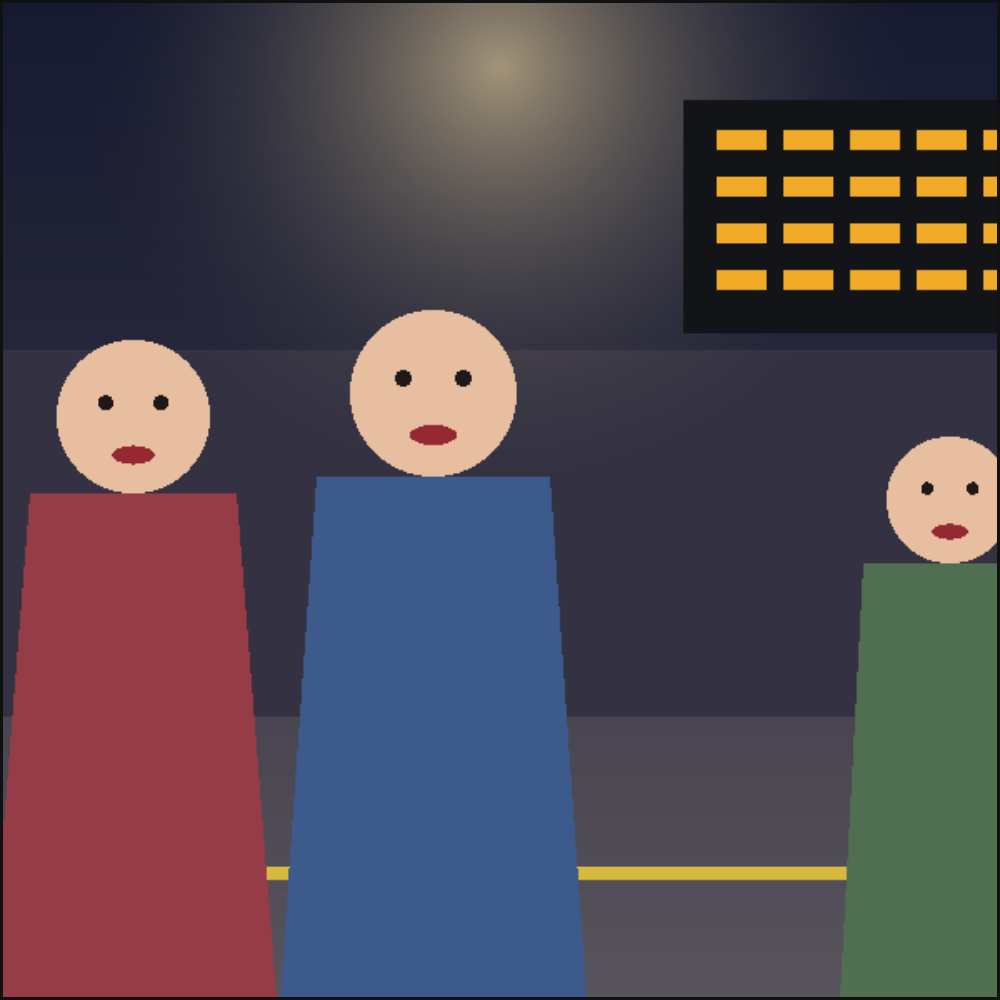
conflicting-setting#
Level |
error |
Says |
A setting says what is behind the cast twice |
Keys |
|
Since |
0.6 |
Why it happens. A place is a mass list – the preset expands into exactly what an author could have written – so naming one and listing the other asks two questions at once, and the compiler will not guess which was meant. A supplied image is a whole backdrop of its own, so it stands alone too: beside a place, masses, or a horizon, which only says where masses meet the ground.
How to fix it. Keep one of the place, the masses and the image. On a panel that inherits one, write it as null to leave it out. What each place expands into is at https://creatoan.github.io/scenet/reference/language/setting.html#settingplace.
Checked as conflicting-setting.panel.yaml:
# A place is a list of masses already, so naming one and listing masses asks twice.
cast: {alice: {reference: alice}}
setting:
  place: shore
  masses: [{kind: sky}]
scenet check conflicting-setting.panel.yaml says:
conflicting-setting.panel.yaml:4:10: conflicting-setting: 'setting' names a place and lists masses; a place *is* a mass list, so this asks two questions at once. Write one or the other -- https://creatoan.github.io/scenet/reference/language/setting.html#settingplace prints what each place expands into
Fixed:
# The place alone: the shore already has its sky.
cast: {alice: {reference: alice}}
setting:
  place: shore
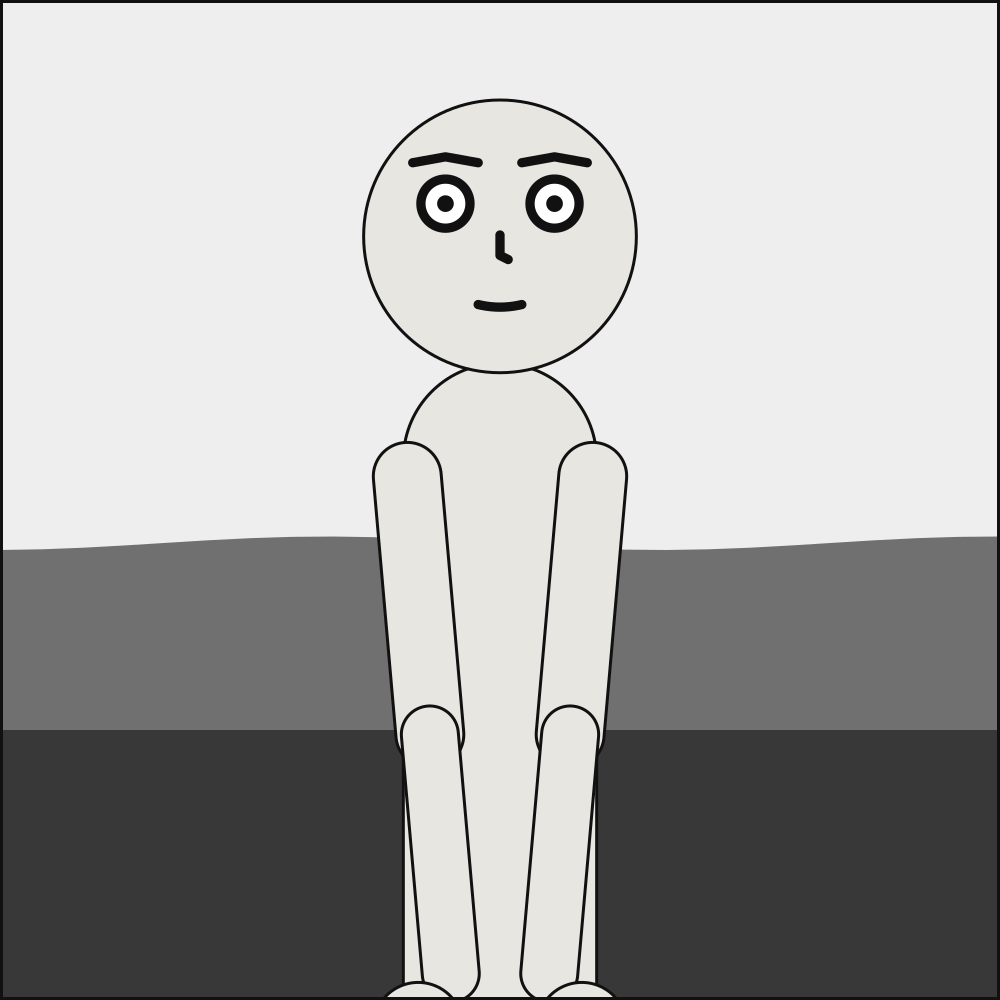
duplicate-key#
Level |
error |
Says |
A key is written twice in one mapping |
Keys |
Any key that holds a mapping: |
Since |
0.10 |
Why it happens. YAML requires every key in a mapping to be unique, but the parser Scenet reads it with builds the document anyway and keeps only the last value – so a panel, a cast member or a pose written twice would lose the first without a word, and the rest would compile. Keys are compared as written, so 1 and 1.0 are two keys, and no and 'no' are one. In a comic script, the same goes for a directive written twice in one panel, and for an @script: directive, which would replace the panel’s cues.
How to fix it. Delete or rename one of the two; the message says which lines they are on.
Checked as duplicate-key.panel.yaml:
# `camera` twice: YAML would keep the second and drop the first without a word.
camera: {shot: close_up}
cast: {alice: {reference: alice}}
camera: {shot: wide}
scenet check duplicate-key.panel.yaml says:
duplicate-key.panel.yaml:4:1: duplicate-key: key 'camera' appears twice in one mapping, first on line 2 and again on line 4; YAML would keep only the last
Fixed:
# `camera` once, with the shot that was meant.
camera: {shot: wide}
cast: {alice: {reference: alice}}
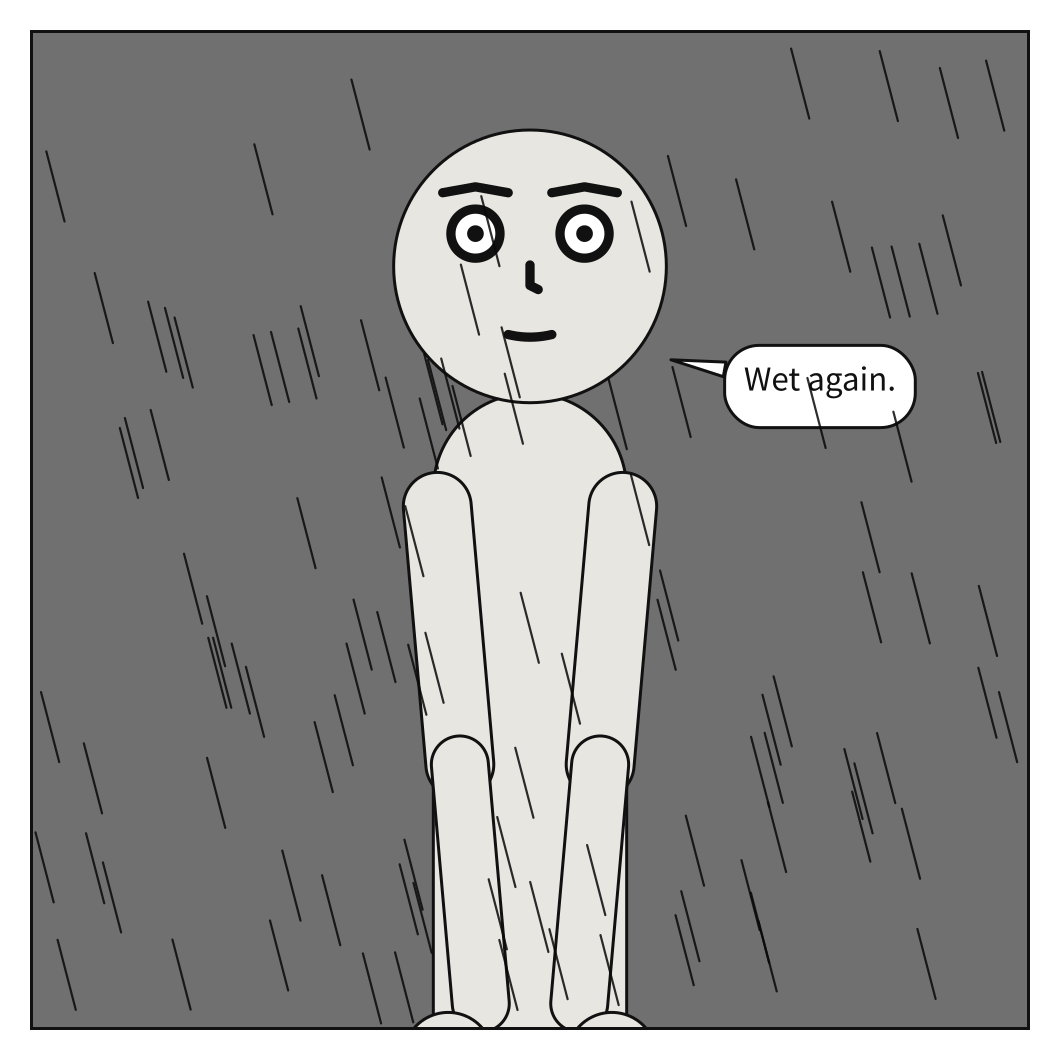
Checked as duplicate-key.script:
---
# `@setting:` twice in one panel: the second would replace the first.
cast: {ALICE: {reference: alice}}
---
PANEL 1
@setting: {weather: rain}
ALICE
Wet again.

@setting: {place: docks}
scenet check duplicate-key.script says:
duplicate-key.script:10:1: duplicate-key: line 10: '@setting' is written twice in this panel; the first is on line 6. Write it once, with everything it sets
Fixed:
---
# `@setting:` once, with everything it sets.
cast: {ALICE: {reference: alice}}
---
PANEL 1
@setting: {place: docks, weather: rain}
ALICE
Wet again.
duplicate-panel#
Level |
error |
Says |
Two panels in a comic script have the same name |
Keys |
None: it is about the whole document, not about one key |
Since |
0.10 |
Why it happens. Panels are named by their PANEL heading, and by their PAGE heading as well when panel numbers start again on each page. Two panels that still share a name – PANEL 1 twice on one page, or twice with no PAGE heading between them – cannot both be kept, and dropping one without a word would lose whatever it held.
How to fix it. Number the panels straight through, or put a PAGE heading before each page whose numbering starts again.
Checked as duplicate-panel.script:
---
# PANEL 1 twice on one page, so the second cannot be told from the first.
cast: {ALICE: {reference: alice}}
---
PAGE 1

PANEL 1
ALICE
Hello.

PANEL 1
ALICE
Hello again.
scenet check duplicate-panel.script says:
duplicate-panel.script:11:1: duplicate-panel: line 11: PANEL 1 appears twice on page 1; the first is on line 7. Number panels straight through, or start each page with a PAGE heading
Fixed:
---
# The panels are numbered straight through.
cast: {ALICE: {reference: alice}}
---
PAGE 1

PANEL 1
ALICE
Hello.

PANEL 2
ALICE
Hello again.
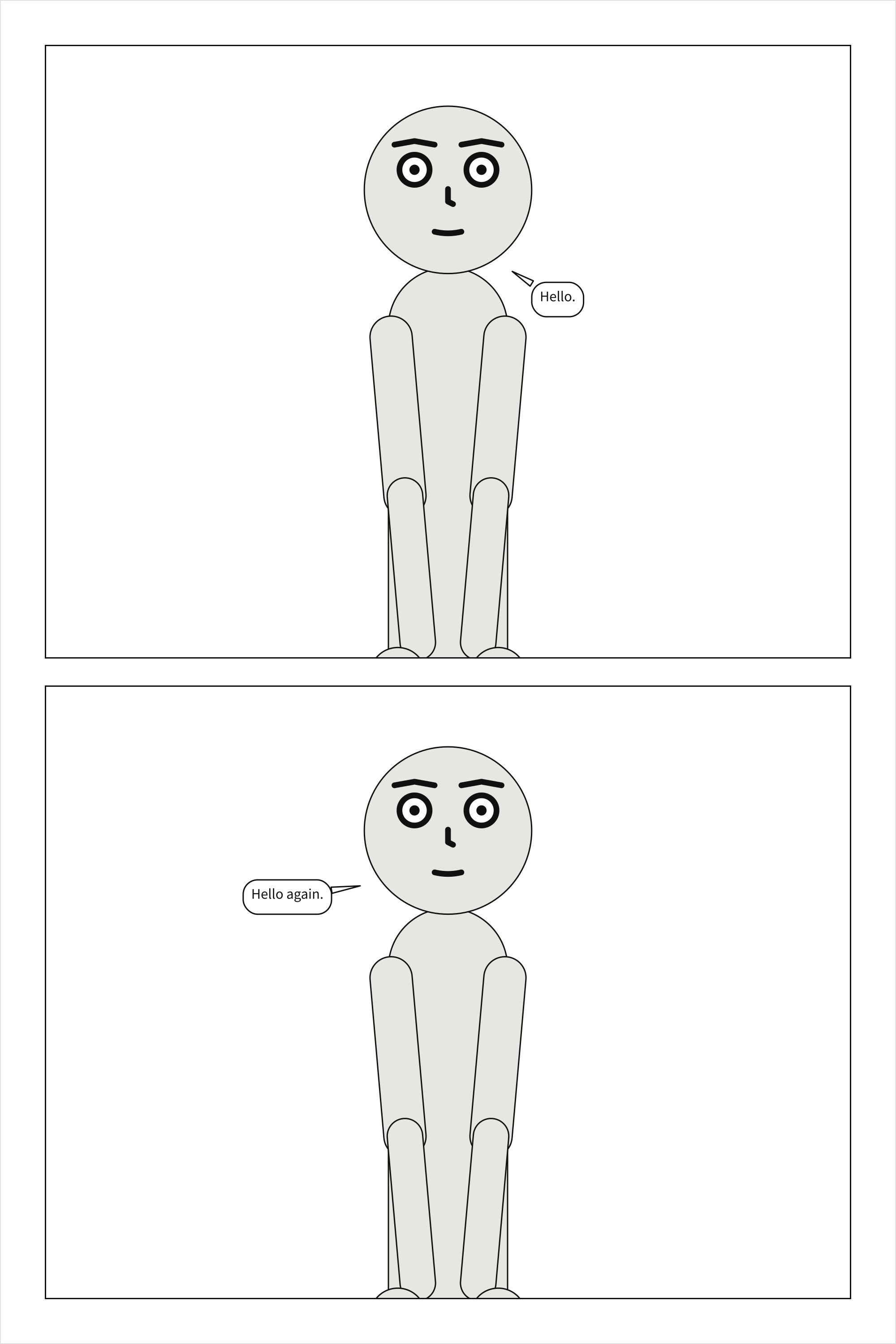
figure-staging#
Why it happens. The artist already framed, placed and staged everybody a picture draws, so a staging relation naming a figure has nothing to place, and a camera on a panel whose cast is all figures has nothing to frame: the shot is whatever the picture shows. Either would be a key with no effect, and this language reports slips.
How to fix it. Remove the relation, or the camera. On a panel that inherits a camera, write camera: null.
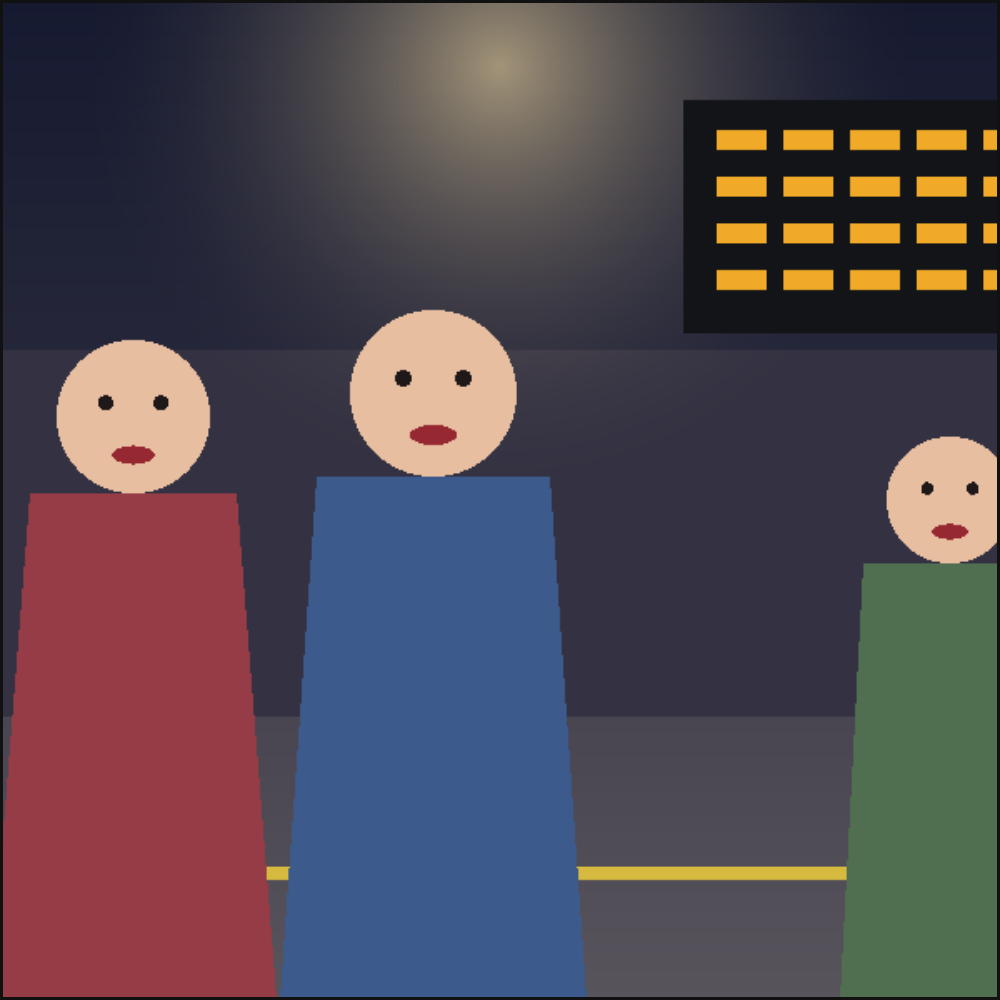
Checked as figure-staging.panel.yaml:
# The artist framed the picture; a camera has nothing to frame.
camera: {shot: close_up}
cast: {ana: {figure: ana}}
setting: {image: art/figures.png}
scenet check figure-staging.panel.yaml says:
figure-staging.panel.yaml:2:16: figure-staging: 'camera' frames a cast that a picture draws, and the artist already framed it: the shot is whatever the picture shows. Remove it; on a panel that inherits one, write `camera: null`
Fixed:
# No camera: the shot is whatever the picture shows.
cast: {ana: {figure: ana}}
setting: {image: art/figures.png}
font-file#
Level |
error |
Says |
A declared font file cannot be read |
Keys |
|
Since |
0.11 |
Why it happens. lettering.font names font files, read relative to the folder the document is in. Each must be a relative path, the file must be there, and it must be a TrueType or OpenType font with a Unicode character map, since lettering is measured against it. A document compiled from text with no file behind it has no folder, and so can name no font.
How to fix it. Check the path against the document’s folder, write it relative to that folder, or point it at a .ttf or .otf file.
Checked as font-file.panel.yaml:
# The font is read relative to this document, and there is no such file beside it.
cast: {alice: {reference: alice}}
lettering: {font: fonts/Missing-Regular.ttf}
scenet check font-file.panel.yaml says:
font-file.panel.yaml:3:19: font-file: font file 'fonts/Missing-Regular.ttf' was not found beside the document
Fixed:
# The font is beside the document, in fonts/.
cast: {alice: {reference: alice}}
lettering: {font: fonts/ComicNeue-Regular.ttf}
image-file#
Level |
error |
Says |
A supplied picture cannot be read |
Keys |
|
Since |
0.12 |
Why it happens. setting.image names a picture to draw behind the cast, read relative to the folder the document is in. It must be a relative path written with /, the file must be there, and it must be a PNG or JPEG whose header gives its size and whose EXIF does not turn it – renderers disagree on obeying that. A document compiled from text with no file behind it has no folder, and so can name no picture unless the picture is sent with it.
How to fix it. Check the path against the document’s folder, write it relative to that folder, or save the picture as a PNG or JPEG with its pixels upright.
Checked as image-file.panel.yaml:
# The picture is read relative to this document, and there is no such file beside it.
cast: {alice: {reference: alice}}
setting: {image: art/missing.png}
scenet check image-file.panel.yaml says:
image-file.panel.yaml:3:18: image-file: image file 'art/missing.png' was not found beside the document
Fixed:
# The picture is beside the document, in art/.
cast: {alice: {reference: alice}}
setting: {image: art/street.png}
internal#
Level |
error |
Says |
The compiler failed in a way it does not have a rule for |
Keys |
None: it is about the whole document, not about one key |
Since |
0.3 |
Why it happens. A Scenet error reached the checker without a more specific rule. Worth reporting: either the document found something genuinely new, or a rule is missing from the catalogue.
How to fix it. Please open an issue with the document that produced it.
No document gives it on purpose. It is what a Scenet error with no more specific rule is reported as: a document that finds one has found a gap in this catalogue, or a bug.
invalid-field#
Level |
error |
Says |
A field has the wrong shape or value |
Keys |
Any key: each of every key holds a value of one shape |
Since |
0.3 |
Why it happens. The key is known but what it holds is not what the language accepts there – a string where a number belongs, or a value outside the allowed set.
How to fix it. Check the field’s type and permitted values on its card, from https://creatoan.github.io/scenet/reference/language/keys.html.
Checked as invalid-field.panel.yaml:
# A shot type the language does not have.
camera: {shot: very_close}
cast: {alice: {reference: alice}}
scenet check invalid-field.panel.yaml says:
invalid-field.panel.yaml:2:16: invalid-field: Input should be 'long_shot', 'wide', 'full_shot', 'medium_full', 'cowboy', 'medium_shot', 'medium_close_up', 'close_up', 'big_close_up' or 'extreme_close_up'
Fixed:
# `close_up` is a shot type the language has.
camera: {shot: close_up}
cast: {alice: {reference: alice}}
layout#
Why it happens. Nothing is misspelled and nothing is missing, but the panel as described has no solution – most often two actors each required to be left of the other. Panel bounds are deliberately not required, so a merely crowded panel is not this.
How to fix it. Relax or remove a conflicting staging relation.
Checked as layout.panel.yaml:
# Valid, but each actor is in front of the other: no depth order exists.
cast: {alice: {reference: alice}, bob: {reference: bob}}
staging:
  - alice in_front_of bob
  - bob in_front_of alice
scenet check --deep layout.panel.yaml says:
layout.panel.yaml:2:1: layout: depth ordering is cyclic around 'alice'
Fixed:
# One depth order: Alice in front of Bob.
cast: {alice: {reference: alice}, bob: {reference: bob}}
staging:
  - alice in_front_of bob
missing-field#
Level |
error |
Says |
A required field is missing |
Keys |
A required key: |
Since |
0.3 |
Why it happens. The value is required and was not supplied.
How to fix it. Add the field. scenet schema prints the full shape the compiler accepts.
Checked as missing-field.panel.yaml:
# A cast member with no `reference`.
cast:
  alice: {pose: pointing}
scenet check missing-field.panel.yaml says:
missing-field.panel.yaml:3:10: missing-field: Field required
Fixed:
# Alice names the puppet she is.
cast:
  alice: {reference: alice, pose: pointing}
not-a-mapping#
Level |
error |
Says |
The document is not a mapping |
Keys |
None: it is about the whole document, not about one key |
Since |
0.3 |
Why it happens. A panel document is a mapping of top-level keys – panel, camera, cast, staging, script. A list or a bare scalar cannot be one.
How to fix it. Wrap the content in top-level keys, or check you meant to compile this file.
Checked as not-a-mapping.panel.yaml:
# A list, where a panel is a mapping of top-level keys.
- alice
- bob
scenet check not-a-mapping.panel.yaml says:
not-a-mapping.panel.yaml:2:1: not-a-mapping: expected a mapping at the top level, found list
Fixed:
# The two of them, as the cast of a panel.
cast:
  alice: {reference: alice}
  bob: {reference: bob}
off-panel-speaker#
Level |
error |
Says |
A line is spoken from off panel by somebody drawn in the panel |
Keys |
|
Since |
0.11 |
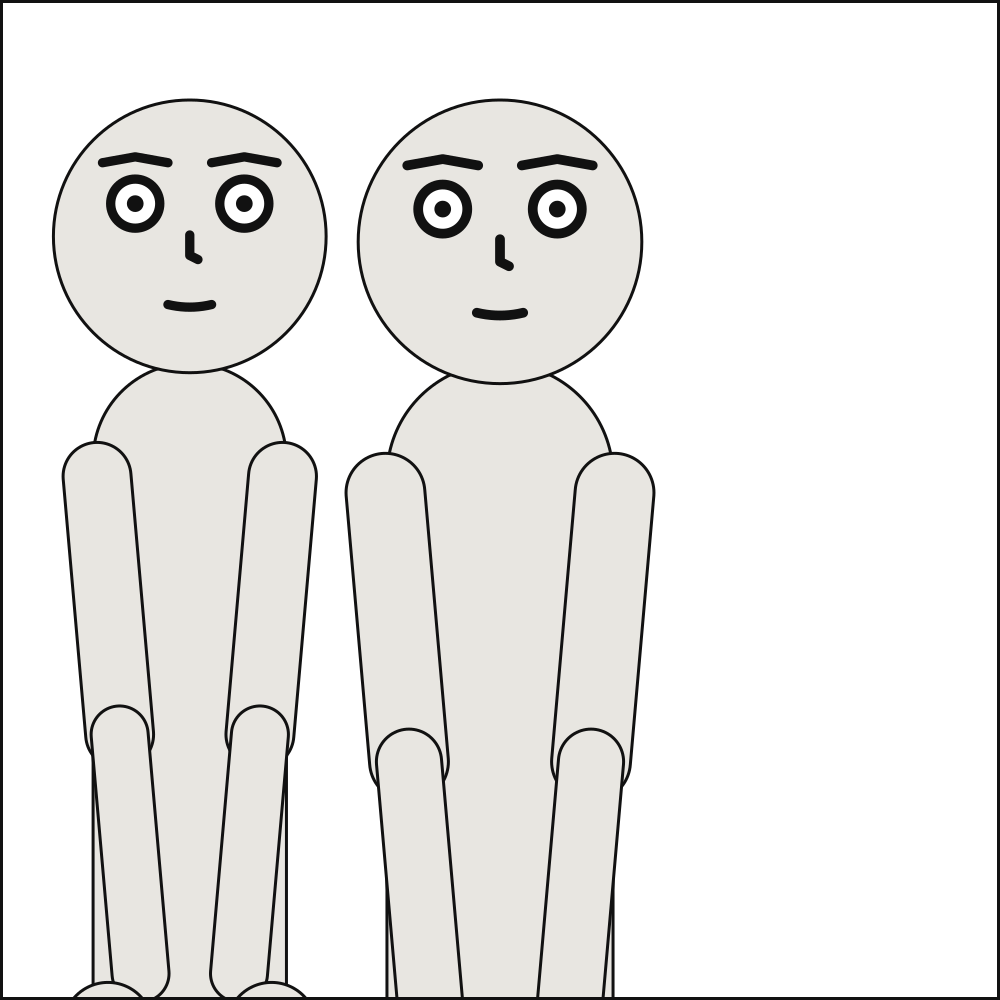
Why it happens. An off-panel speaker is somebody nobody draws: their balloon’s tail ends on the frame, on their side, because there is no mouth in the panel to point at. So they are never in the panel’s cast. A line marked off_panel whose speaker is in the cast contradicts itself, and so does one speaker both on and off panel in the same panel.
How to fix it. Leave the speaker out of this panel’s cast, or drop off_panel.
Checked as off-panel-speaker.panel.yaml:
# Bob is drawn in the panel, so he cannot also speak from outside it.
cast:
  bob: {reference: bob}
script:
  - say: {by: bob, text: "I am right here.", off_panel: true}
scenet check off-panel-speaker.panel.yaml says:
off-panel-speaker.panel.yaml:5:15: off-panel-speaker: script entry 0 is spoken from off panel by 'bob', who is drawn in this panel; leave them out of the cast, or drop off_panel
Fixed:
# Bob is in the panel, and speaks there.
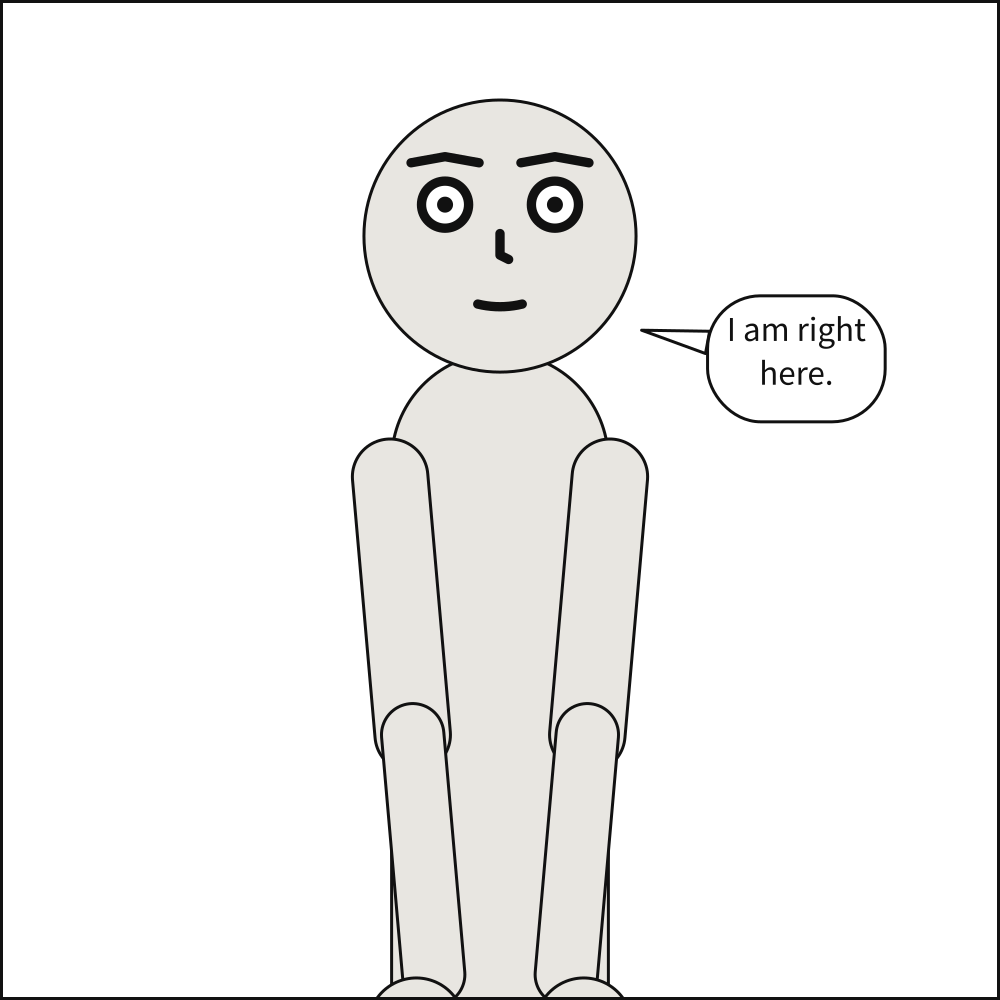
cast:
  bob: {reference: bob}
script:
  - say: {by: bob, text: "I am right here."}
ordering-cycle#
Level |
error |
Says |
Horizontal ordering contains a cycle |
Keys |
|
Since |
0.3 |
Why it happens. left_of and right_of are resolved into a linear order before the solver runs, because Cassowary is a linear solver and cannot express the disjunction ‘A left of B or B left of A’. A cycle has no linear order and so no solution.
How to fix it. Remove one of the relations in the cycle; the message names an actor on it.
Checked as ordering-cycle.panel.yaml:
# Each to the left of the other.
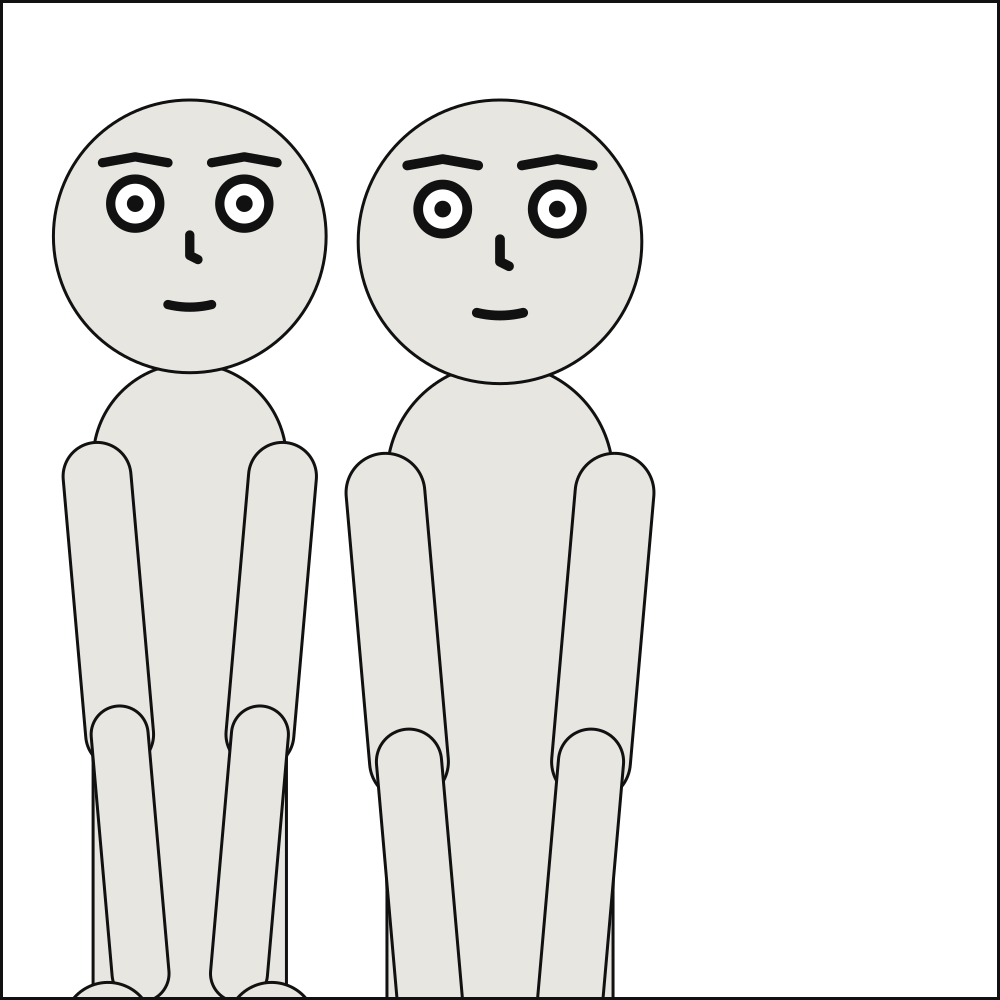
cast: {alice: {reference: alice}, bob: {reference: bob}}
staging:
  - alice left_of bob
  - bob left_of alice
scenet check ordering-cycle.panel.yaml says:
ordering-cycle.panel.yaml:5:5: ordering-cycle: horizontal ordering is cyclic around 'alice'; left_of/right_of relations must form a consistent order
Fixed:
# One order: Alice on the left, Bob on the right.
cast: {alice: {reference: alice}, bob: {reference: bob}}
staging:
  - alice left_of bob
page-layout#
Level |
error |
Says |
A page cannot lay out what it says |
Keys |
|
Since |
0.10 |
Why it happens. pages: lays the panels of a scene out in tiers. Each placement must name a panel panels: defines, a panel can be on one page once, and the margins and gutters must leave room for every tier and every panel in it. A tier holds panels: or columns:, and two columns that are both stacks may not stand side by side, because readers go across them rather than down. Two insets in one panel must stay a gutter clear of each other. A slant leans the gutters between a tier’s panels, so it needs two panels or more, no columns and no insets, and must leave every panel some width at its top and bottom. A panel bleeds only on a side of its frame that reaches the page’s margin. A document with pages needs panels to lay out.
How to fix it. Check the panel names in pages:, place each panel once, put a panel that spans the tier between two stacks, move or shrink an inset, lean a slant less, bleed only on a side at the page’s edge, or shrink the margin and gutters in page:.
Checked as page-layout.scene.yaml:
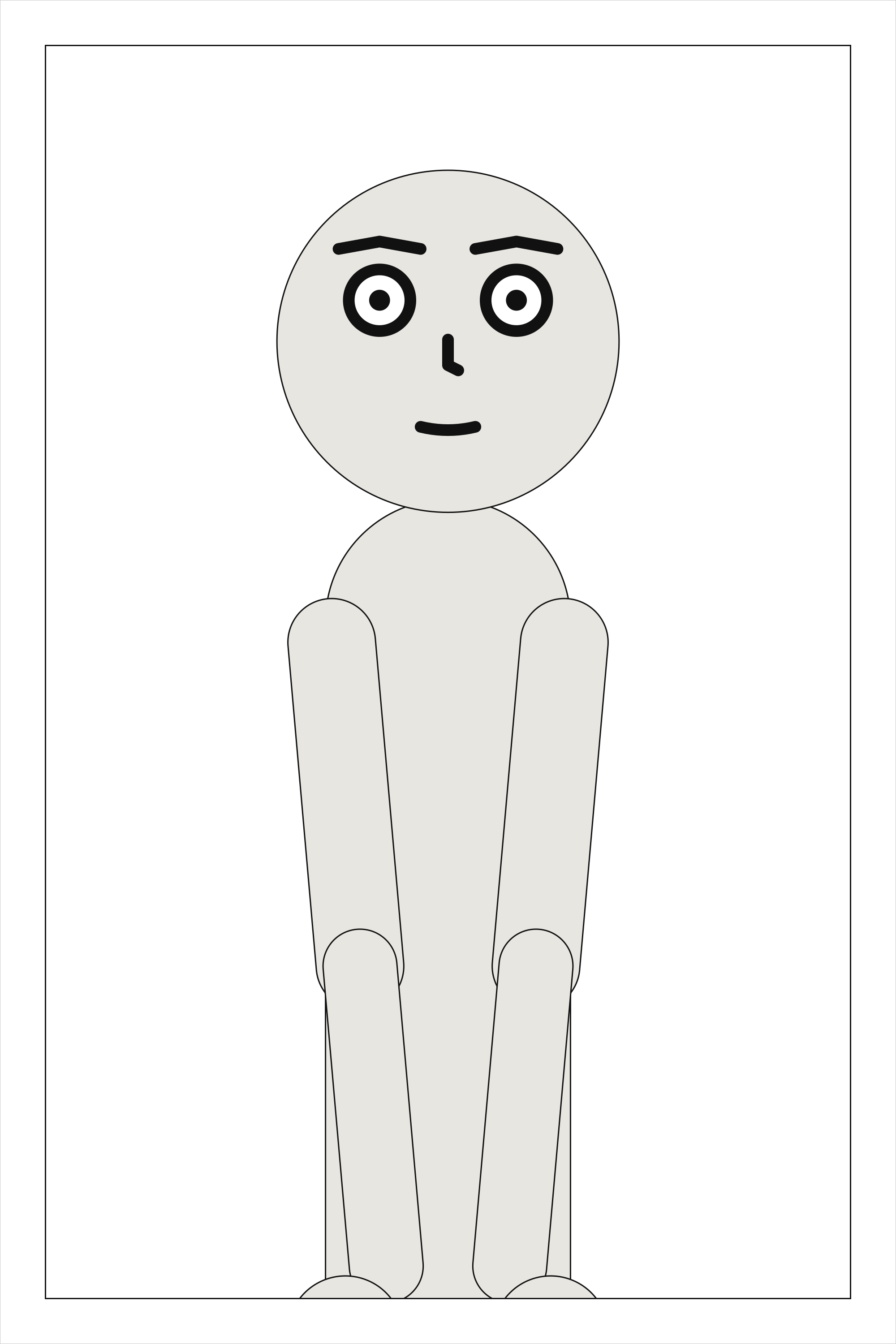
# A page placing a panel that does not exist.
cast: {alice: {reference: alice}}
panels: {one: {}}
pages:
  - tiers:
      - panels: [one, ghost]
scenet check page-layout.scene.yaml says:
page-layout.scene.yaml:6:23: page-layout: page 1 places panel 'ghost', which `panels:` does not define; it has ['one']
Fixed:
# The page places the panel the scene defines.
cast: {alice: {reference: alice}}
panels: {one: {}}
pages:
  - tiers:
      - panels: [one]
panel-direction#
Level |
error |
Says |
A panel names a reading direction of its own |
Keys |
|
Since |
0.12 |
Why it happens. direction says which way the whole comic is read – ltr from the top left, rtl from the top right, as manga are – so it is written once for the document: beside panels: in a scene, in a comic script’s front matter. A page read one way holding a panel read the other has no order a reader could follow, so a panel under panels: that writes direction, even the document’s own, and a script’s @direction:, are refused.
How to fix it. Delete it from the panel, and write direction once for the whole document.
Checked as panel-direction.scene.yaml:
# A panel of a right-to-left scene that would read left to right. The direction is the
# whole document's, written once beside `panels:`.
direction: rtl
cast: {alice: {reference: alice}}
panels:
  first: {}
  second: {direction: ltr}
scenet check panel-direction.scene.yaml says:
panel-direction.scene.yaml:7:23: panel-direction: 'direction' says which way the whole comic is read, so a panel cannot have one of its own: a page read one way holding a panel read the other has no order a reader could follow. Write it once, beside `panels:`
Fixed:
# The direction is written once, beside `panels:`, and every panel reads that way.
direction: rtl
cast: {alice: {reference: alice}}
panels:
  first: {}
  second: {}
panel-geometry#
Level |
error |
Says |
The panel has no usable area |
Keys |
|
Since |
0.3 |
Why it happens. Panel dimensions must be positive, and the margins must leave something between them. A panel with no interior has nothing to compose in.
How to fix it. Give the panel a positive size, and a margin smaller than half its shorter side.
Checked as panel-geometry.panel.yaml:
# Margins that meet in the middle.
panel: {size: [400, 300], margin: 150}
cast: {alice: {reference: alice}}
scenet check panel-geometry.panel.yaml says:
panel-geometry.panel.yaml:2:8: panel-geometry: margin leaves no usable panel area
Fixed:
# A margin smaller than half the shorter side.
panel: {size: [400, 300], margin: 20}
cast: {alice: {reference: alice}}
puppet-file#
Level |
error |
Says |
A puppet file a cast member names cannot be read |
Keys |
Every key of a puppet file; and |
Since |
0.13 |
Why it happens. A cast member’s reference that ends in .puppet.yaml names a puppet file, read relative to the folder the document is in, as a font or a picture is. It must be a relative path written with /, the file must be there, and it must be a puppet: YAML that declares its landmarks, joints, parts, anchors and face, each joint it names declared. A document compiled from text with no file behind it has no folder, and so can name no puppet file unless the file is sent with it. A fault inside the file is reported in it, at the key that is wrong, when the document was checked as a file.
How to fix it. Check the path against the document’s folder, write it relative to that folder, or fix the puppet where the finding points and check it against scenet schema --puppet. Writing one is walked through at https://creatoan.github.io/scenet/howto/add_your_own_character.html.
Checked as puppet-file.panel.yaml:
# The puppet is read relative to this document, and there is no such file beside it.
cast: {kid: {reference: puppets/kid.puppet.yaml}}
scenet check puppet-file.panel.yaml says:
puppet-file.panel.yaml:2:25: puppet-file: puppet file 'puppets/kid.puppet.yaml' was not found beside the document
Fixed:
# The puppet is beside the document, in puppets/.
cast: {kid: {reference: puppets/pip.puppet.yaml}}
reflexive-relation#
Level |
error |
Says |
A relation relates an actor to itself |
Keys |
|
Since |
0.3 |
Why it happens. No predicate in the language means anything reflexively, so an actor placed left of itself is always a typo for a second actor’s id.
How to fix it. Name a different actor as the object of the relation.
Checked as reflexive-relation.panel.yaml:
# An actor placed to the left of itself.
cast: {alice: {reference: alice}}
staging:
  - alice left_of alice
scenet check reflexive-relation.panel.yaml says:
reflexive-relation.panel.yaml:4:5: reflexive-relation: in staging entry 'alice left_of alice': relation 'left_of' cannot relate 'alice' to itself
Fixed:
# Alice is placed to the left of Bob.
cast: {alice: {reference: alice}, bob: {reference: bob}}
staging:
  - alice left_of bob
sfx-placement#
Level |
error |
Says |
A sound effect has no legal position |
Keys |
|
Since |
0.11 |
Why it happens. A sound effect may cover a figure, and balloons may cover it, but it may never cover a face, leave the panel, lie under an inset or overlap another sound effect. Every candidate position – around its source, around the zone it prefers, and the middle of every zone – did one of those.
How to fix it. Make it smaller or shorter, drop its rotation or arc, or give the panel more room.
Checked as sfx-placement.panel.yaml:
# A large sound effect this long is wider than the whole panel, so no position holds it.
panel: {size: [300, 200]}
cast: {alice: {reference: alice}}
script:
  - sfx: {text: KRAKA-THOOOOOOOOOOOOOOOOOOOOOOOOOM, size: large}
scenet check --deep sfx-placement.panel.yaml says:
sfx-placement.panel.yaml:2:1: sfx-placement: no legal position for sound effect 0 ('KRAKA-THOOOOOOOOOOOOOOOOOOOOOOOOOM'): every candidate either covered a face, left the panel, lay under an inset or overlapped another sound effect; make it smaller or shorter
Fixed:
# A shorter sound, at its middle size, fits the panel.
panel: {size: [300, 200]}
cast: {alice: {reference: alice}}
script:
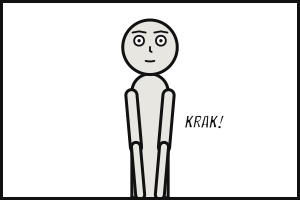
  - sfx: {text: KRAK!}
syntax#
Level |
error |
Says |
The document is not valid YAML |
Keys |
None: it is about the whole document, not about one key |
Since |
0.3 |
Why it happens. The file could not be parsed at all, so nothing further could be checked. Usually an unclosed bracket or quote, or a line indented inconsistently with the ones around it – and a line that lines up with no line above it is said to be, with how far in the line it likely goes with is. A tab where YAML expects a space – it never accepts one in indentation – is said to be one, and so is a key that is a list or a mapping rather than a name. A comic script’s front matter is YAML too, and is read the same way.
How to fix it. Fix the reported position; YAML errors cascade, so re-check after each fix.
Checked as syntax.panel.yaml:
# A flow sequence that never closes.
cast: {alice: {reference: alice}, bob: {reference: bob}}
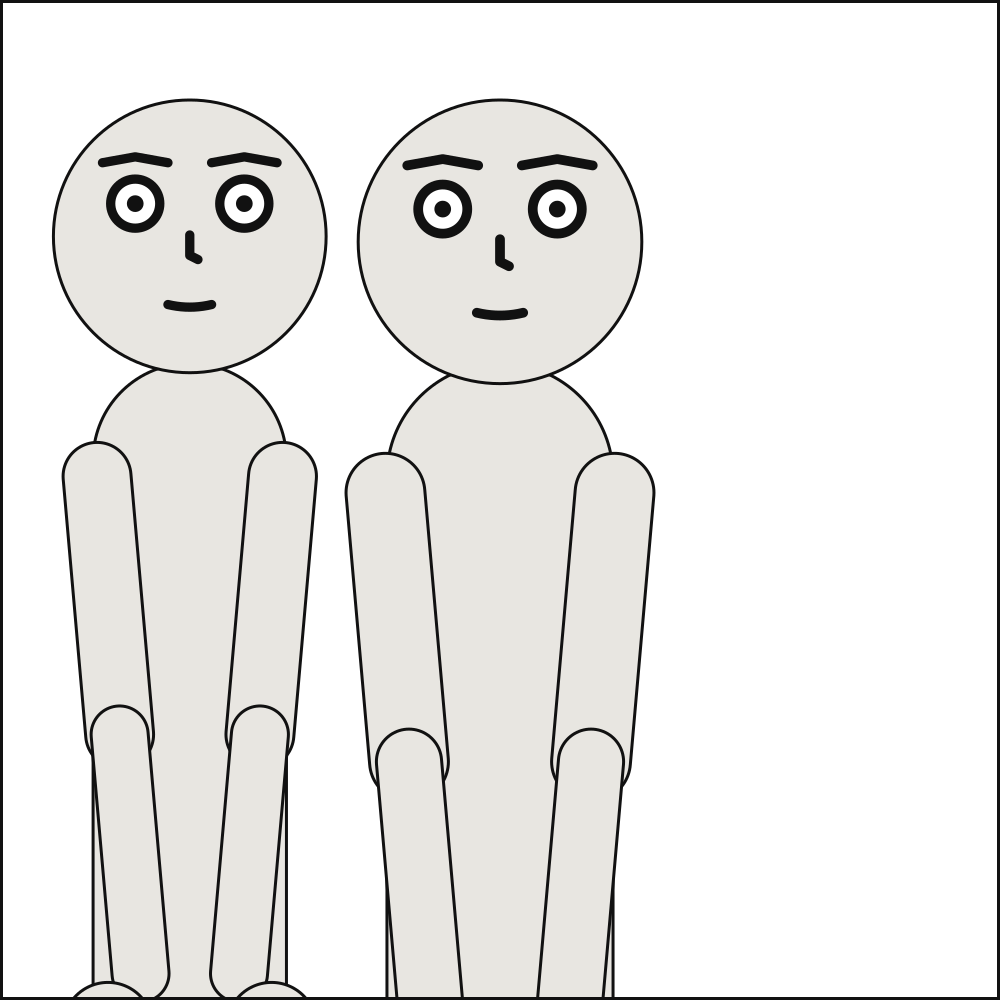
staging: [alice left_of bob
scenet check syntax.panel.yaml says:
syntax.panel.yaml:3:28: syntax: invalid YAML: while parsing a flow sequence
  in "<unicode string>", line 3, column 10:
    staging: [alice left_of bob
             ^
expected ',' or ']', but got '<stream end>'
  in "<unicode string>", line 4, column 1:

    ^
Fixed:
# The flow sequence is closed.
cast: {alice: {reference: alice}, bob: {reference: bob}}
staging: [alice left_of bob]
unbalanced-emphasis#
Level |
error |
Says |
Emphasis opened with an underscore is never closed |
Keys |
|
Since |
0.11 |
Why it happens. A word written between underscores in dialogue or a caption is stressed, and lettered in bold italic. An underscore that opens a span – nothing alphanumeric before it, something other than a space after it – needs one that closes it. Without one the compiler would have to guess where the stress ends, and setting the rest of the line in bold italic is a confident wrong answer.
How to fix it. Add the closing _ after the last stressed word, or write \_ for an underscore that is not emphasis.
Checked as unbalanced-emphasis.panel.yaml:
# The underscore before `told` opens emphasis and nothing closes it: `_told_` was meant.
cast: {alice: {reference: alice}}
script:
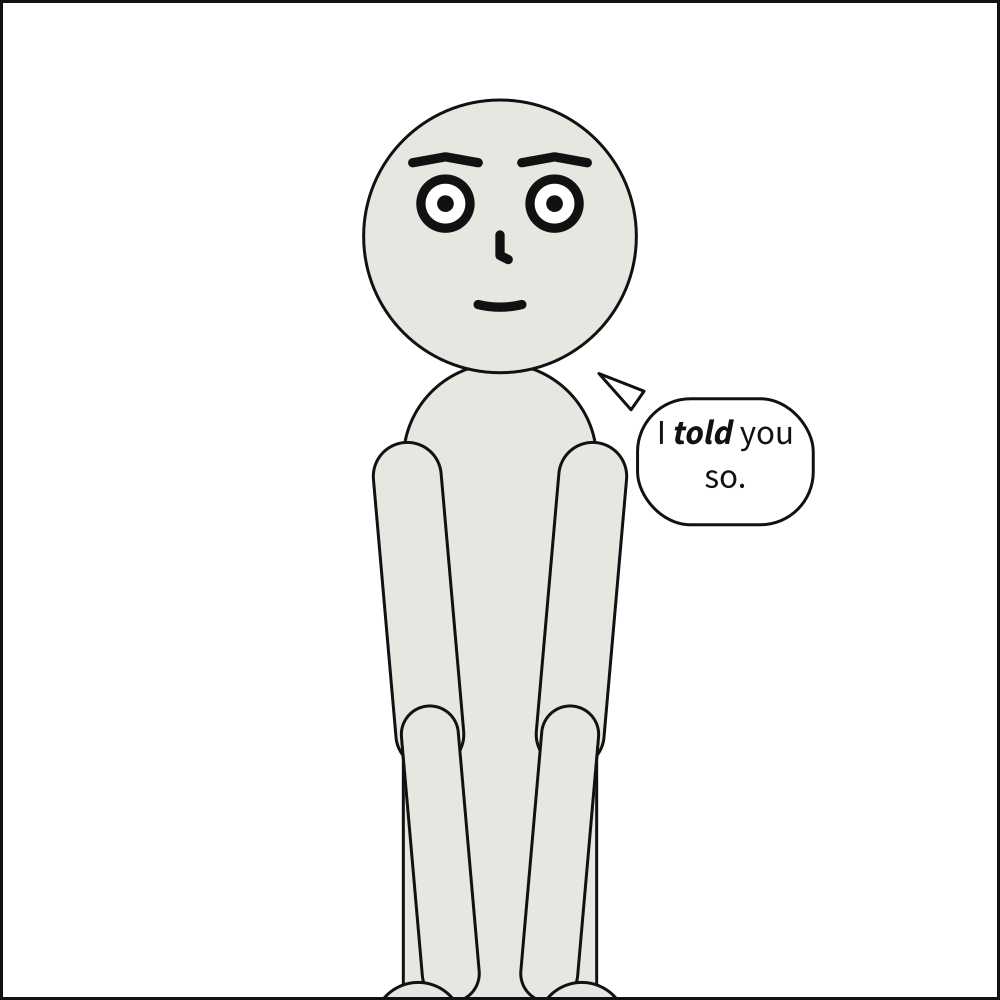
  - say: {by: alice, text: "I _told you so."}
scenet check unbalanced-emphasis.panel.yaml says:
unbalanced-emphasis.panel.yaml:4:28: unbalanced-emphasis: the emphasis opened by the underscore at character 3 ('_told you so') is never closed; end it with '_' after the last stressed word, or write '\_' for an underscore that is not emphasis
Fixed:
# `_told_`: the stress closes after the word it is on.
cast: {alice: {reference: alice}}
script:
  - say: {by: alice, text: "I _told_ you so."}
unknown-actor#
Level |
error |
Says |
Reference to an actor that is not in the cast |
Keys |
|
Since |
0.3 |
Why it happens. Every actor id named in staging or script must exist in cast. This is the check no JSON Schema can perform – the value is a perfectly good string, it just does not resolve – and it is among the most common faults in generated documents.
How to fix it. Correct the id, or add the actor to cast. The message lists the cast.
Checked as unknown-actor.panel.yaml:
# `bpb` for `bob`.
cast: {alice: {reference: alice}, bob: {reference: bob}}
script:
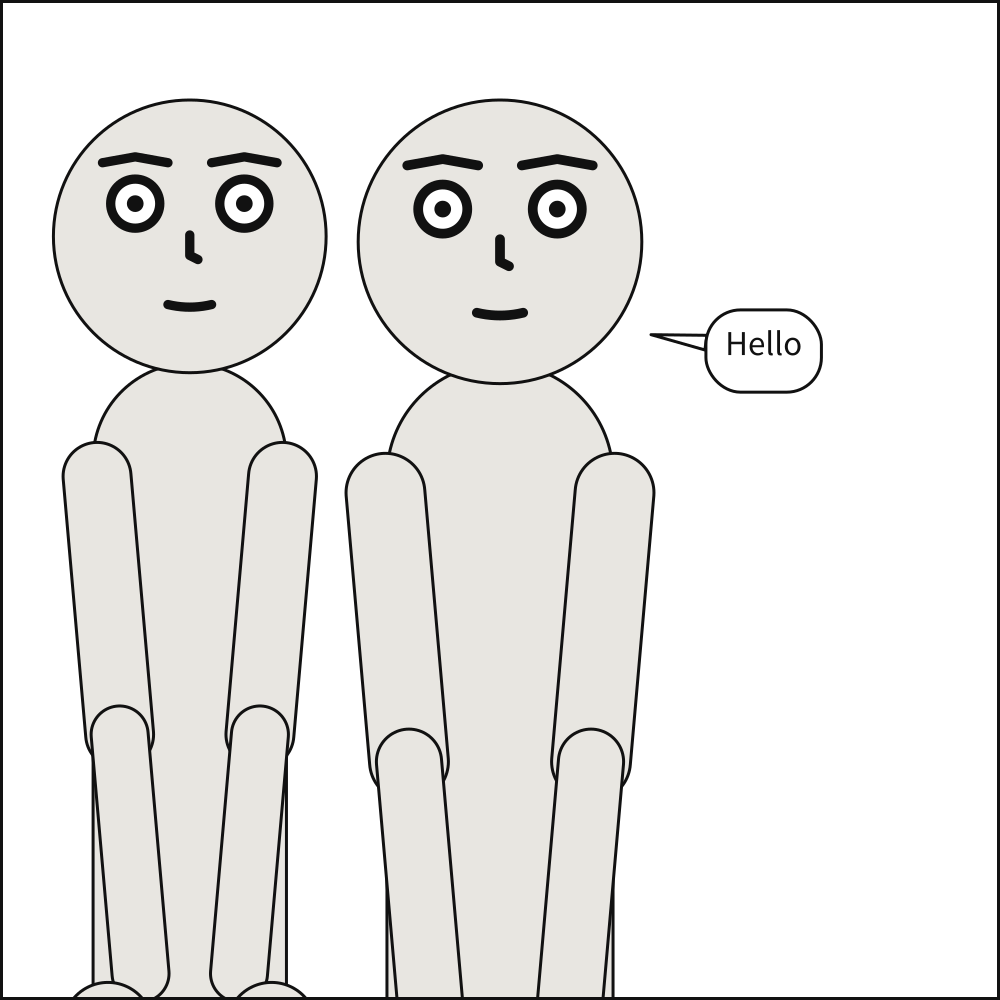
  - say: {by: bpb, text: Hello}
scenet check unknown-actor.panel.yaml says:
unknown-actor.panel.yaml:4:15: unknown-actor: script entry 0 is spoken by unknown actor 'bpb'; cast is ['alice', 'bob']. If they speak from outside the panel, say so with off_panel
Fixed:
# `bob`, who is in the cast.
cast: {alice: {reference: alice}, bob: {reference: bob}}
script:
  - say: {by: bob, text: Hello}
unknown-expression#
Level |
error |
Says |
Reference to an expression the character does not have |
Keys |
|
Since |
0.6 |
Why it happens. A cast member’s expression names one its puppet does not declare. The counterpart of unknown-pose: an expression is selected by name exactly as a pose is.
How to fix it. Check the name against the puppet’s declared expressions.
Checked as unknown-expression.panel.yaml:
# Alice's puppet declares no `smug` expression.
cast: {alice: {reference: alice, expression: smug}}
scenet check unknown-expression.panel.yaml says:
unknown-expression.panel.yaml:2:46: unknown-expression: puppet 'alice' has no expression 'smug'; available: ['angry', 'bored', 'coy', 'happy', 'laughing', 'neutral', 'sad', 'scared', 'shouting', 'surprise']
Fixed:
# `coy`, an expression Alice's puppet declares.
cast: {alice: {reference: alice, expression: coy}}
unknown-figure#
Level |
error |
Says |
A figure the panel’s picture does not draw |
Keys |
|
Since |
0.12 |
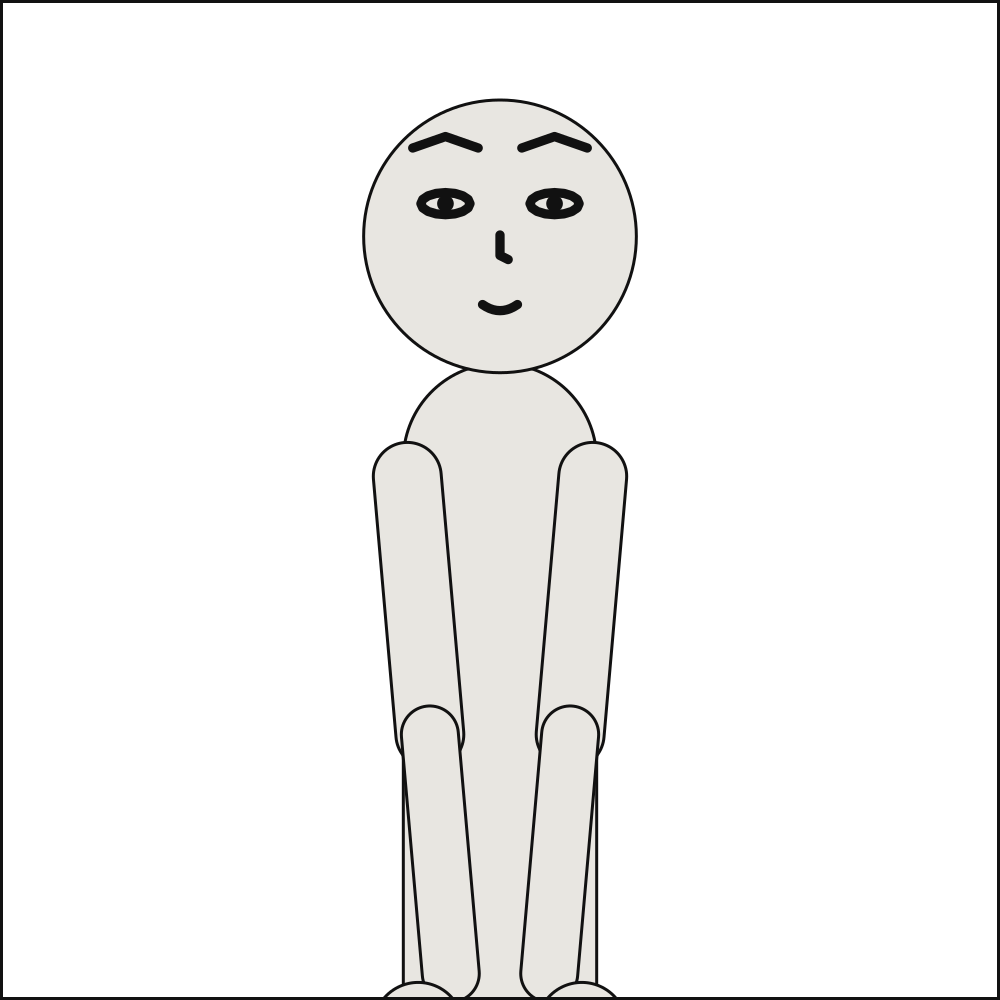
Why it happens. A cast member’s figure names a figure in the artwork contract of the panel’s picture. A panel with no picture has nobody for a figure to be. A figure its picture does not declare is simply not in that panel, as a member written (OP) is not; a line spoken by it there, or a sound made by it, is reported, with the figures the picture does draw.
How to fix it. Check the name against the contract’s figures, name the picture with setting.image, or say the line from off panel, leaving the member out of this panel’s cast.
Checked as unknown-figure.panel.yaml:
# A figure is drawn by a picture, and this panel names none to draw it.
cast: {ana: {figure: ana}}
scenet check unknown-figure.panel.yaml says:
unknown-figure.panel.yaml:2:22: unknown-figure: cast member 'ana' is a figure a picture draws, and this panel names no picture to draw it: name one with `setting.image`, beside its artwork contract
Fixed:
# The panel names the picture that draws Ana.
cast: {ana: {figure: ana}}
setting: {image: art/figures.png}
unknown-key#
Level |
error |
Says |
Unknown key |
Keys |
Any key that holds a mapping: |
Since |
0.3 |
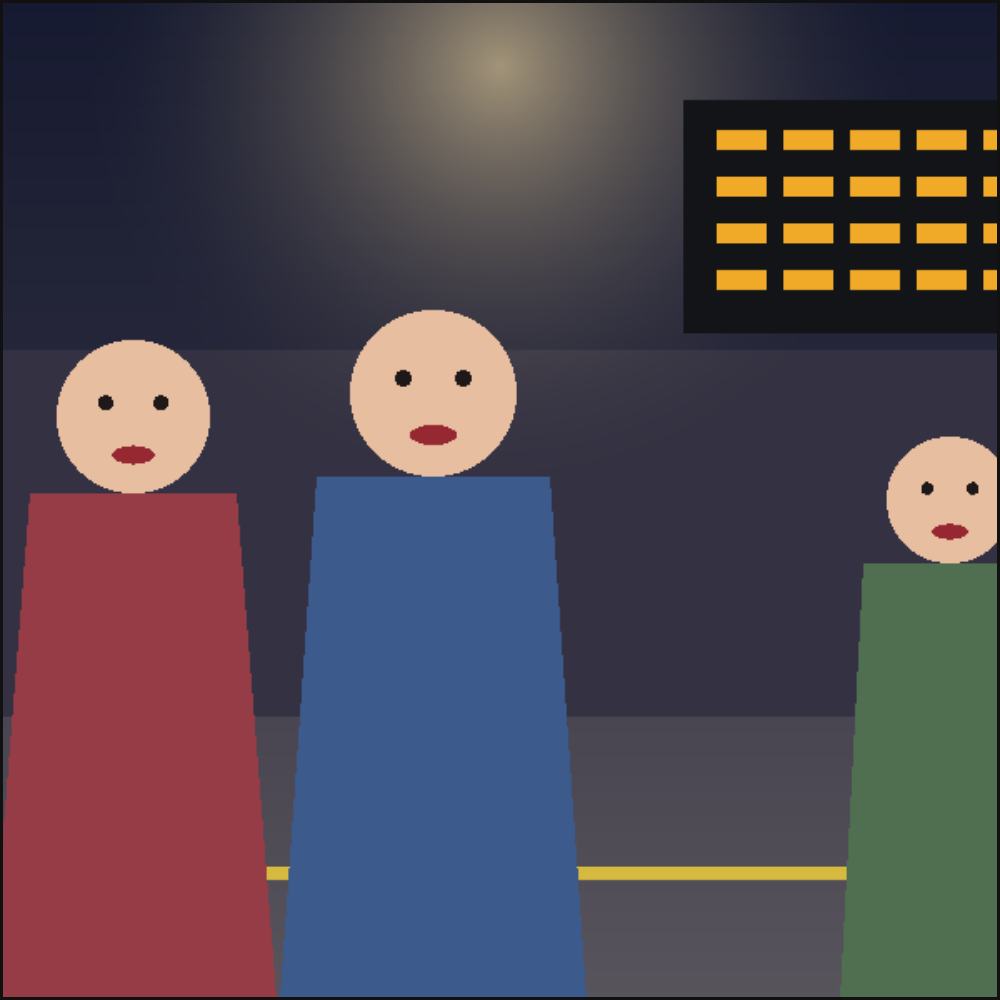
Why it happens. Validation is strict everywhere: unknown keys are rejected rather than ignored. A misspelled key that was silently dropped would produce a panel that is subtly wrong with no indication of why, which for a language meant to be precise is the worst possible failure.
How to fix it. Check the spelling against every key there is: https://creatoan.github.io/scenet/reference/language/keys.html.
Checked as unknown-key.panel.yaml:
# `cmaera` for `camera`.
cmaera: {shot: close_up}
cast: {alice: {reference: alice}}
scenet check unknown-key.panel.yaml says:
unknown-key.panel.yaml:2:9: unknown-key: Extra inputs are not permitted
Fixed:
# `camera`, spelled as the language spells it.
camera: {shot: close_up}
cast: {alice: {reference: alice}}
unknown-place#
Level |
error |
Says |
Reference to a place the library does not have |
Keys |
|
Since |
0.6 |
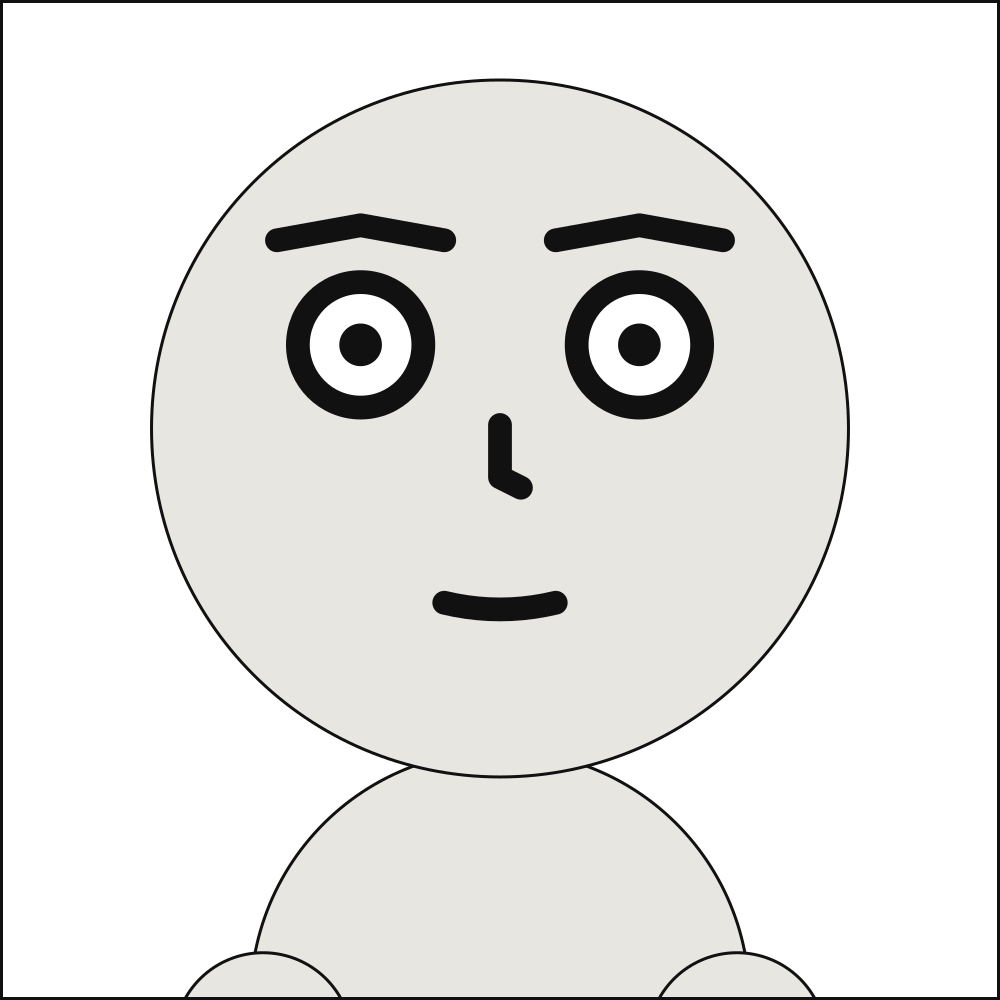
Why it happens. setting.place names a preset that does not exist. The counterpart of unknown-pose: the key is a real field and the value is a perfectly good string, it just does not resolve to a place the compiler can expand.
How to fix it. Check the name against the list of places: https://creatoan.github.io/scenet/reference/language/setting.html#settingplace.
Checked as unknown-place.panel.yaml:
# The library has no place called `moon`.
cast: {alice: {reference: alice}}
setting: {place: moon}
scenet check unknown-place.panel.yaml says:
unknown-place.panel.yaml:3:18: unknown-place: unknown place 'moon'; known places are alley, desert, docks, field, forest, mountain, office, room, shore, street
Fixed:
# `shore`, a place the library has.
cast: {alice: {reference: alice}}
setting: {place: shore}
unknown-pose#
Level |
error |
Says |
Reference to a pose the character does not have |
Keys |
|
Since |
0.6 |
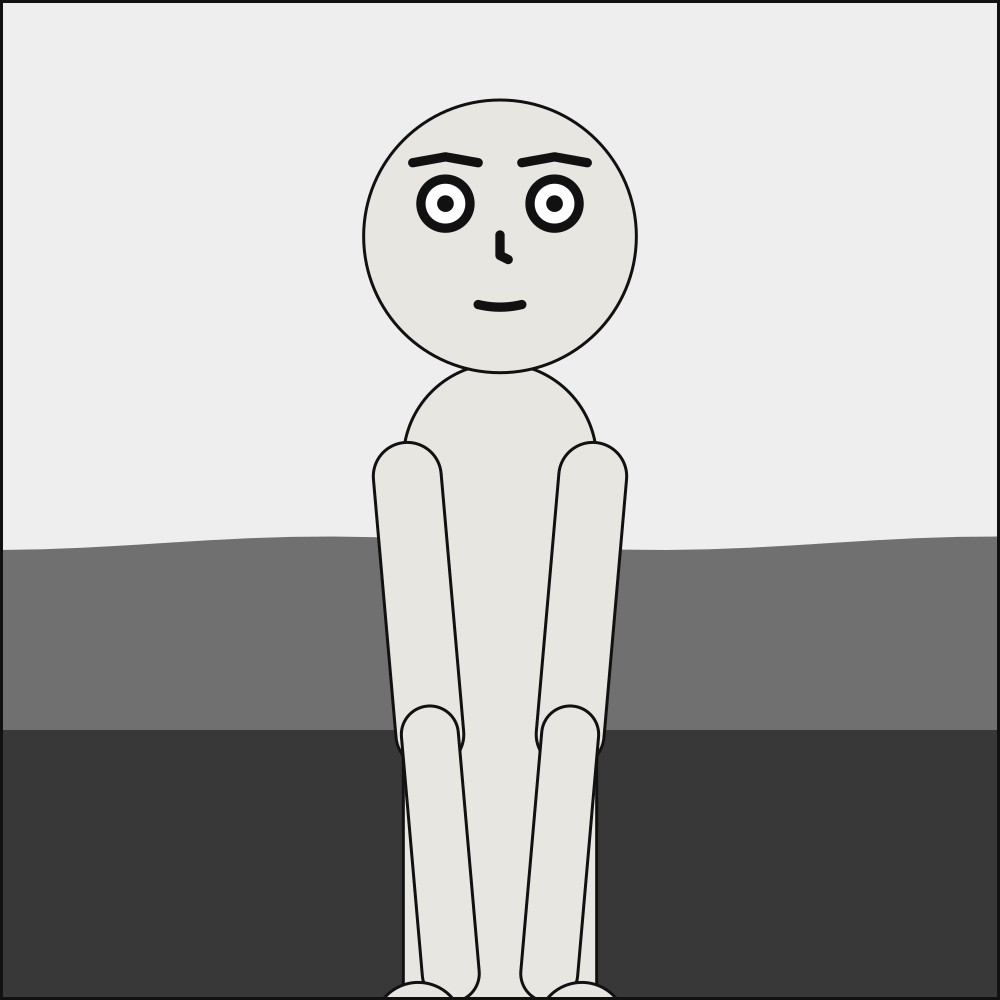
Why it happens. A cast member’s pose names one its puppet does not declare. The key is spelled correctly – pose is a real field – but the value does not resolve to anything the referenced character can do.
How to fix it. Check the name against the puppet’s declared poses.
Checked as unknown-pose.panel.yaml:
# Alice's puppet declares no `levitating` pose.
cast: {alice: {reference: alice, pose: levitating}}
scenet check unknown-pose.panel.yaml says:
unknown-pose.panel.yaml:2:40: unknown-pose: puppet 'alice' has no pose 'levitating'; available: ['arms_crossed', 'hands_on_hips', 'pointing', 'standing_neutral']
Fixed:
# `pointing`, a pose Alice's puppet declares.
cast: {alice: {reference: alice, pose: pointing}}
unknown-puppet#
Level |
error |
Says |
Reference to a character the library does not contain |
Keys |
|
Since |
0.3 |
Why it happens. A cast member’s reference names a puppet that is not installed.
How to fix it. Check the name against the shipped library, or name a puppet of your own by its file, relative to the document: reference: puppets/name.puppet.yaml.
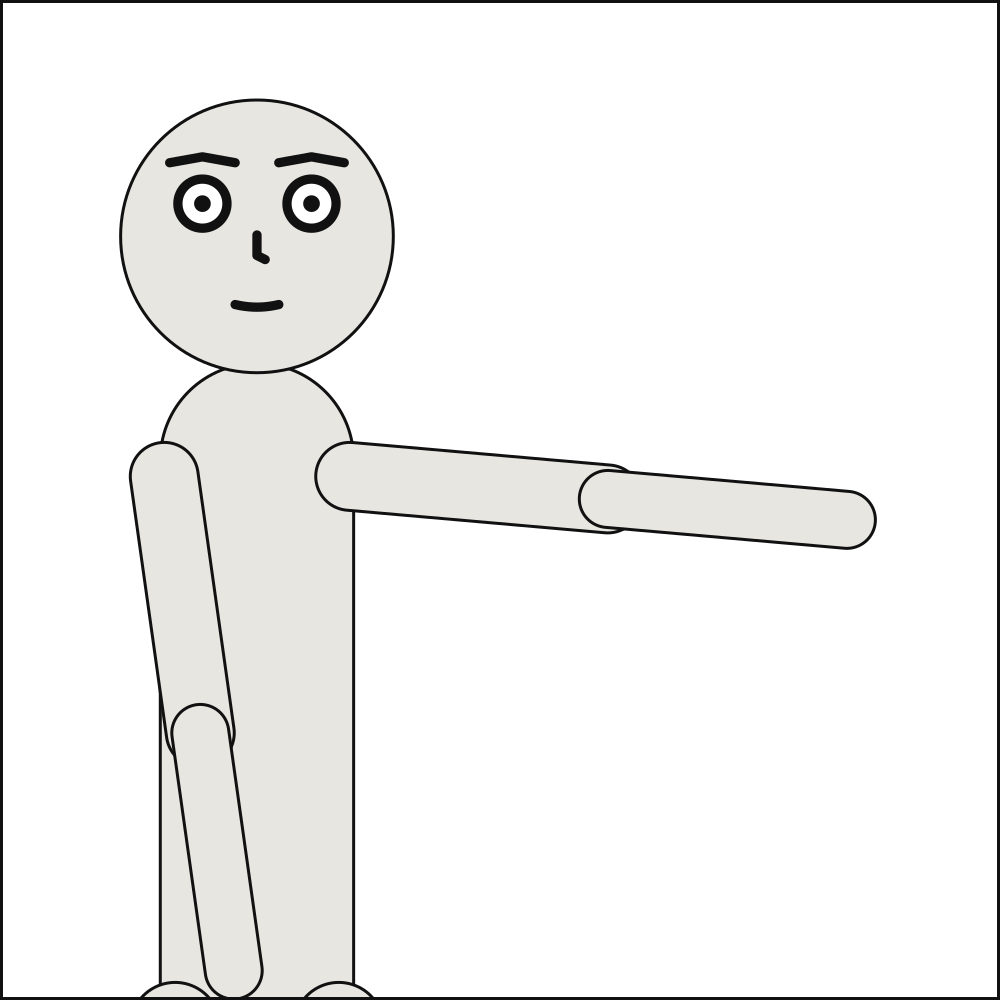
Checked as unknown-puppet.panel.yaml:
# A character the library does not have.
cast: {alice: {reference: alicia}}
scenet check unknown-puppet.panel.yaml says:
unknown-puppet.panel.yaml:2:27: unknown-puppet: unknown character 'alicia'; the library has ['alice', 'bob']
Fixed:
yaml-anchor#
Level |
error |
Says |
A YAML anchor or alias is written |
Keys |
None: it is about the whole document, not about one key |
Since |
0.14 |
Why it happens. Scenet YAML has no anchors (&name) or aliases (*name). Reuse is the language’s own – a scene’s defaults, and over: – and an alias expands wherever it is used, without bound: a few lines can stand for a document too big to hold. An unquoted value that starts with *, as Markdown stresses a word, is an alias too.
How to fix it. Write the value out where it is used, or inherit it with over: or a scene’s defaults. For a line that starts with *, quote it, or stress the word with underscores: _told_.
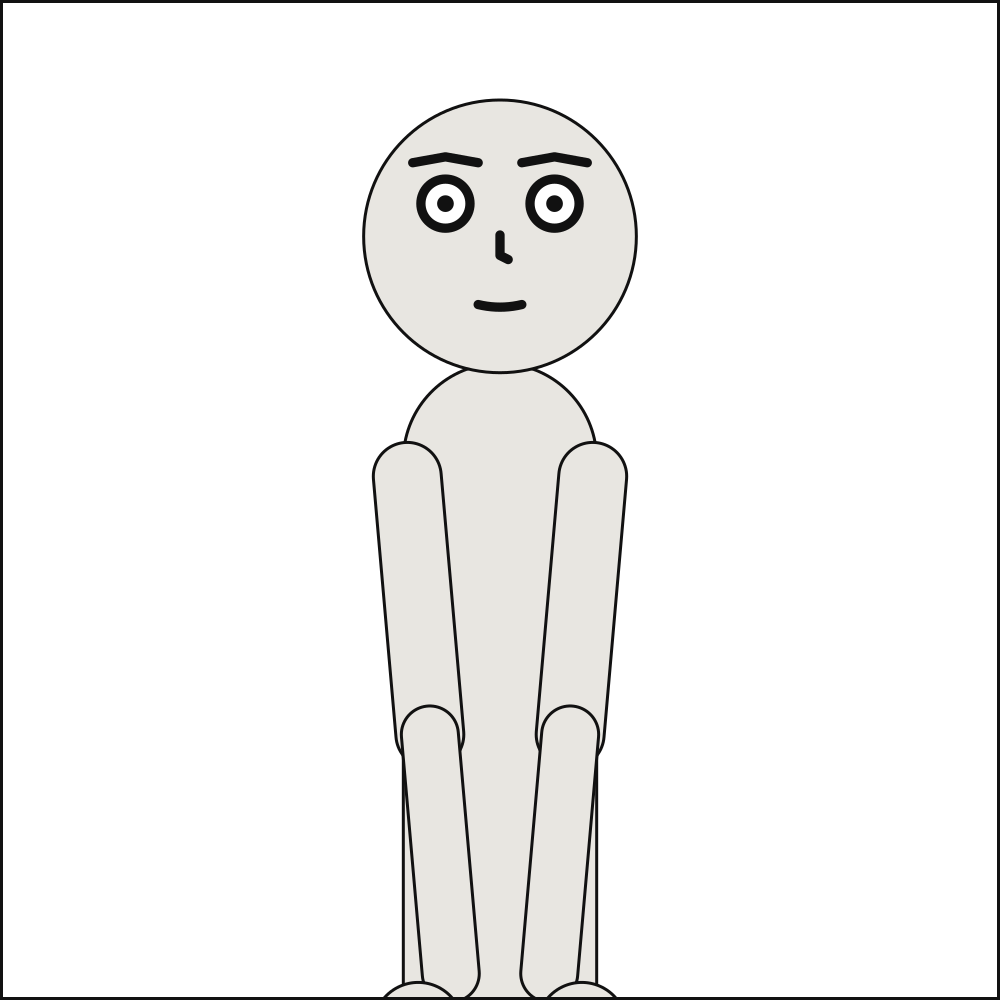
Checked as yaml-anchor.panel.yaml:
# An anchor and an alias, to give bob the look alice has.
camera: {shot: long_shot}
cast:
  alice: &look {reference: alice, pose: pointing}
  bob: *look
scenet check yaml-anchor.panel.yaml says:
yaml-anchor.panel.yaml:4:10: yaml-anchor: '&look' is a YAML anchor, and Scenet YAML has no anchors or aliases: write the value out where it is used, or inherit it with `over:` or a scene's defaults
Fixed:
# The look written out for each of them.
camera: {shot: long_shot}
cast:
  alice: {reference: alice, pose: pointing, at: left_third}
  bob: {reference: alice, pose: pointing, at: right_third}
yaml-merge-key#
Level |
error |
Says |
A YAML merge key is written |
Keys |
None: it is about the whole document, not about one key |
Since |
0.14 |
Why it happens. Scenet YAML has no merge key. <<: copied another mapping’s keys into this one in YAML 1.1 and is a key like any other in YAML 1.2, so what it meant depended on which reader read it. A scene’s defaults and over: say what a panel inherits, in the language’s own terms.
How to fix it. Write the keys out, or inherit them with over: or a scene’s defaults.
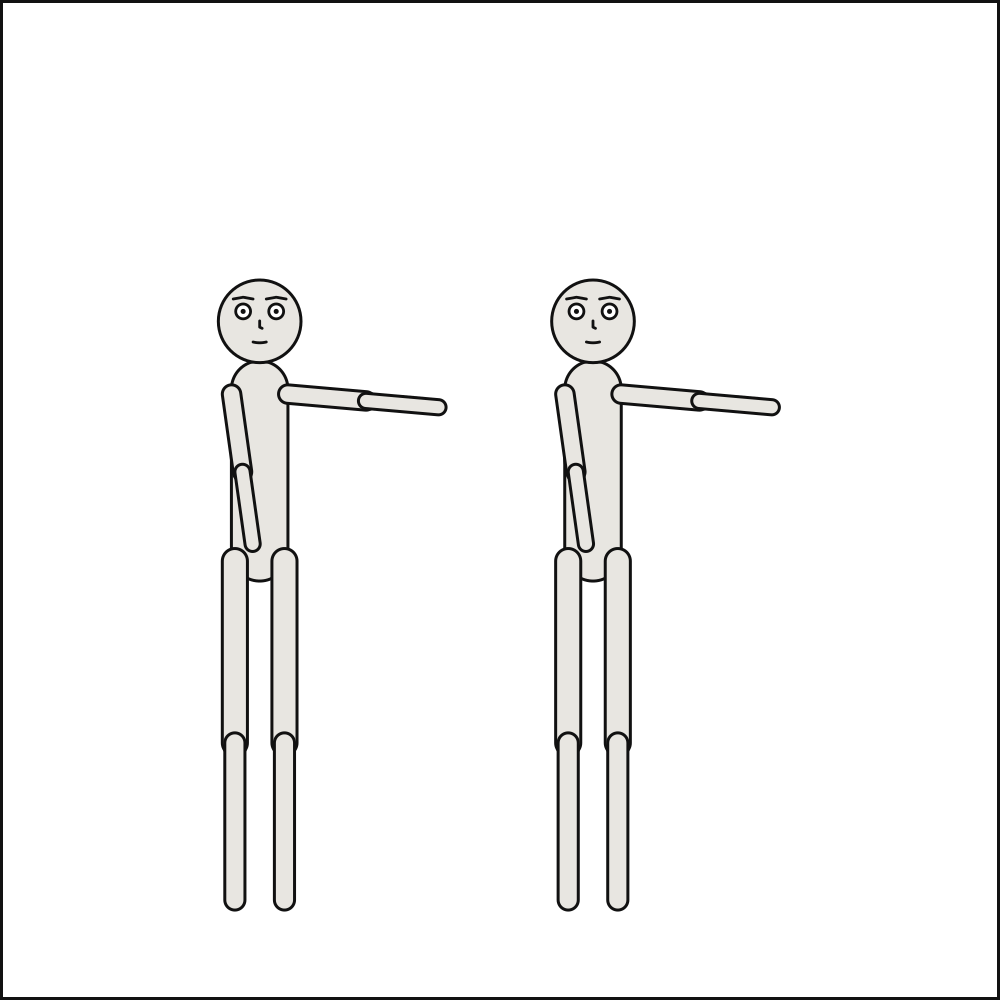
Checked as yaml-merge-key.panel.yaml:
# A merge key, to copy another camera's keys into this one.
camera: {<<: {shot: wide, angle: low}, shot: medium_shot}
cast: {alice: {reference: alice}}
scenet check yaml-merge-key.panel.yaml says:
yaml-merge-key.panel.yaml:2:10: yaml-merge-key: '<<' is a YAML merge key, and Scenet YAML has no merge keys: write the keys out, or inherit them with `over:` or a scene's defaults
Fixed:
# The keys written out.
camera: {shot: medium_shot, angle: low}
cast: {alice: {reference: alice}}
yaml-tag#
Level |
error |
Says |
A YAML tag is written |
Keys |
None: it is about the whole document, not about one key |
Since |
0.14 |
Why it happens. Scenet YAML has no tags (!!binary, !!str, !!set, or any !custom): a value means what it says. A tag made a value something it does not look like – !!binary aGVsbG8= lettered hello – and made the reader build whatever type it named, a confusion for an author and an attack surface for a compiler that reads untrusted documents. Where the language expects text, a number or true is the text it looks like anyway, so !!str is never needed.
How to fix it. Delete the tag. To make a value text, quote it.
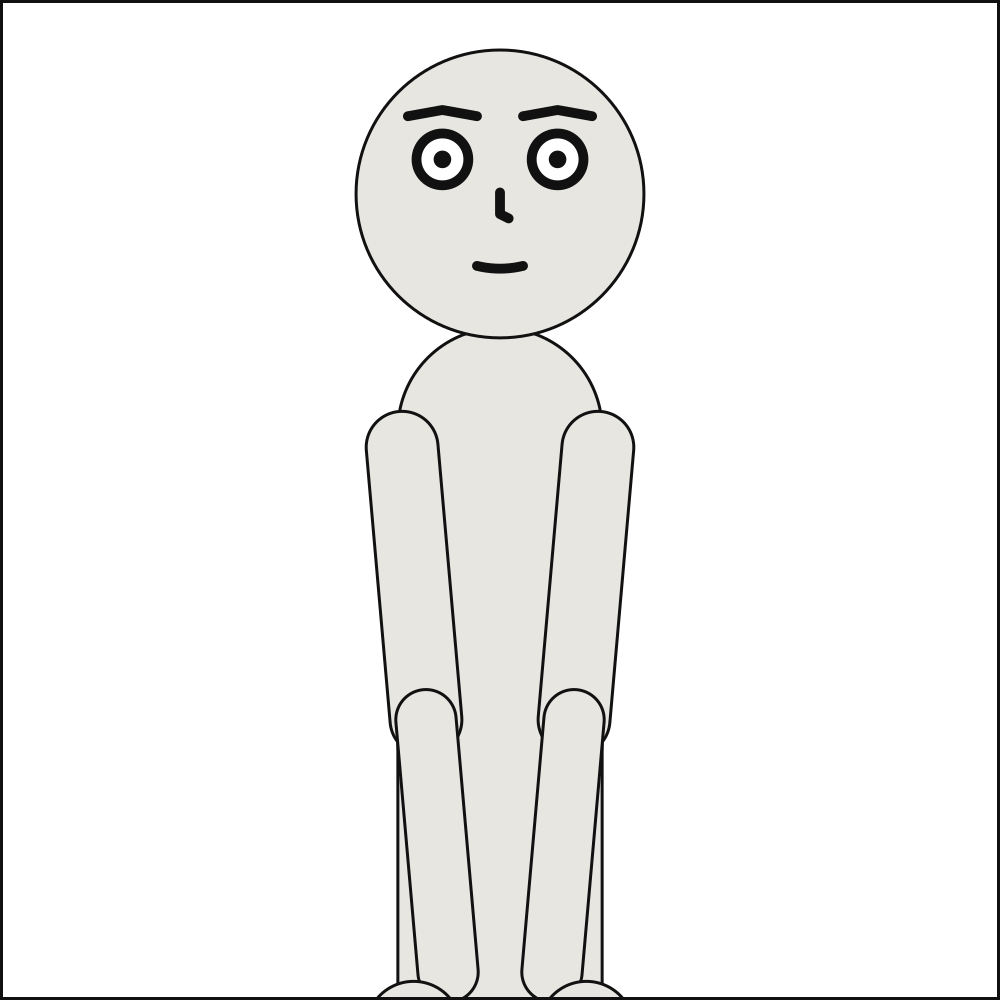
Checked as yaml-tag.panel.yaml:
# A tag makes the line something it does not look like: `!!binary` lettered `hello`.
cast: {alice: {reference: alice}}
script:
  - say: {by: alice, text: !!binary aGVsbG8=}
scenet check yaml-tag.panel.yaml says:
yaml-tag.panel.yaml:4:28: yaml-tag: '!!binary' is a YAML tag, and Scenet YAML has no tags: a value means what it says. Delete the tag, and quote the value if it is text
Fixed:
# The line, written as it is lettered.
cast: {alice: {reference: alice}}
script:
  - say: {by: alice, text: hello}
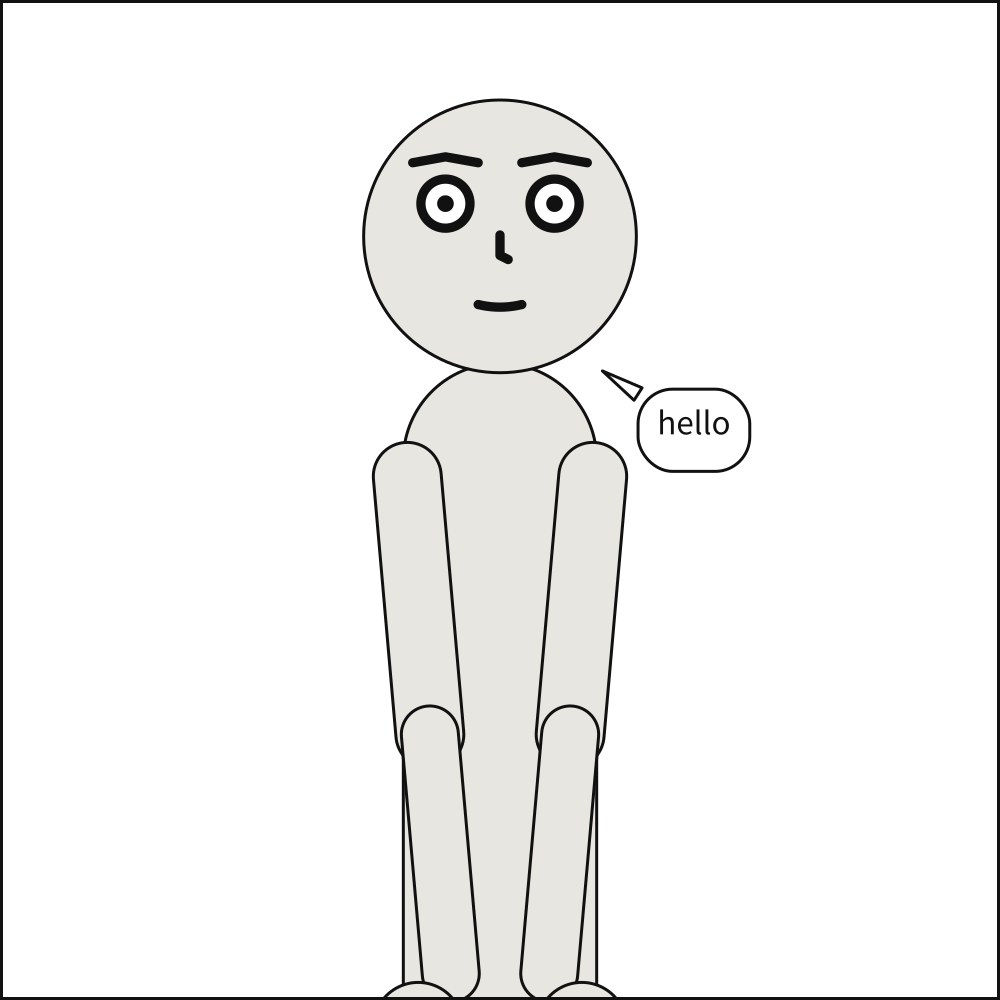
Notes from scenet check#
A house limit, or something a comic script seems to mean and does not say. The document still compiles, and a note alone never fails the check.
dropped-relation#
Level |
note |
Says |
A shared staging relation does not apply in a panel its actor is left out of |
Keys |
|
Since |
0.11 |
In the gallery |
Why it happens. A comic script’s ALICE (OP) leaves Alice out of that panel: she is in the scene, not in the frame. cast: {alice: null} leaves her out of a panel that would otherwise inherit her, in YAML or in a script’s @cast:. A relation stated for every panel – ALICE left_of BOB, ALICE looking_at BOB – cannot hold where she is not drawn, so it is left out of that panel. A note, since that changes what the panel stages: Bob is placed, and looks, without her. All but BOB looking_at ALICE while she speaks from off panel there: Bob turns toward her side of the frame, and nothing is noted.
How to fix it. Nothing to do if that is what the panel means; otherwise draw her in it.
Checked as dropped-relation.script:
---
# Alice speaks from off panel, so the relation that places her cannot hold there.
cast:
  ALICE: {reference: alice, at: left_third}
  BOB: {reference: bob, at: right_third}
staging: [ALICE left_of BOB]
---
PANEL 1
ALICE (OP)
Is anybody there?
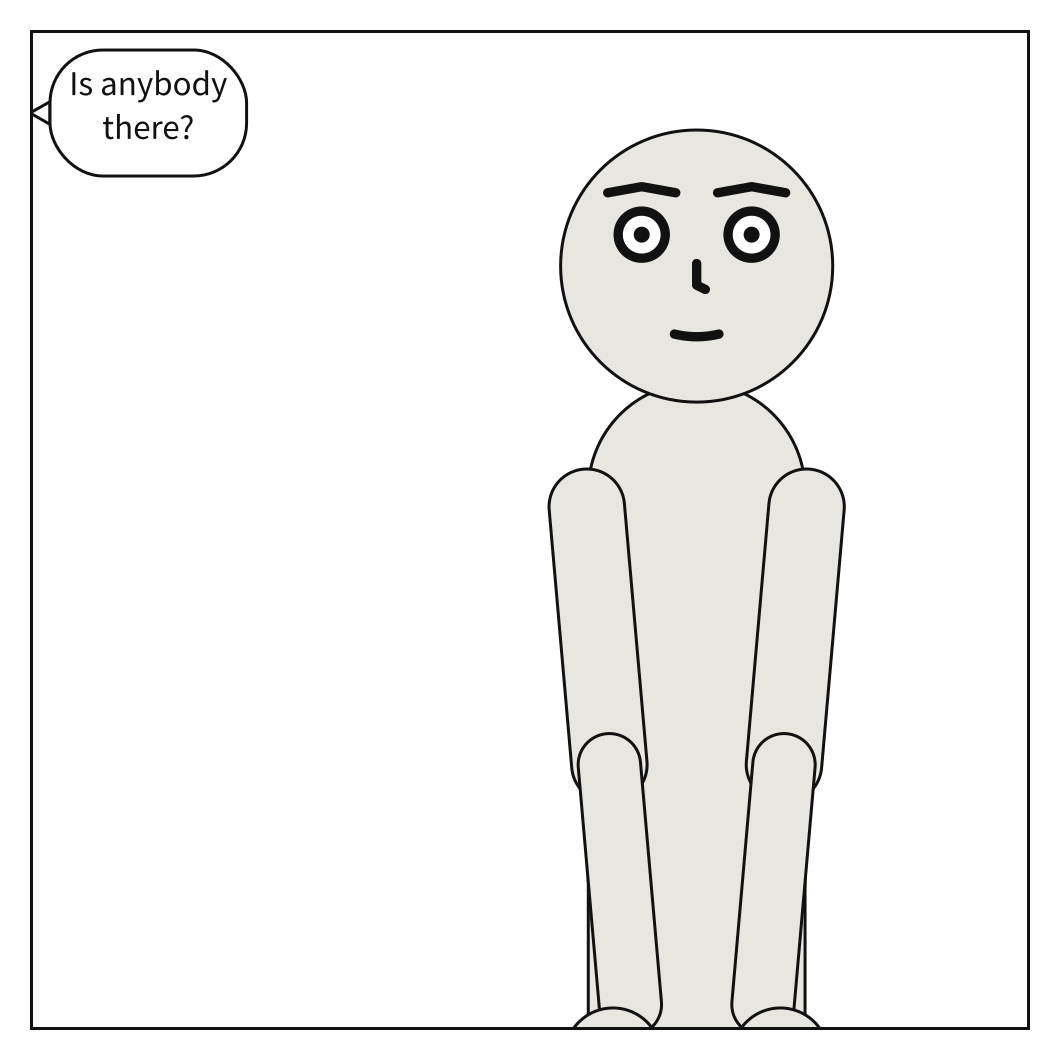
scenet check dropped-relation.script says:
dropped-relation.script:9:1: note: dropped-relation: line 9: 'ALICE left_of BOB' does not apply in PANEL 1, where ALICE speaks from off panel and is not drawn
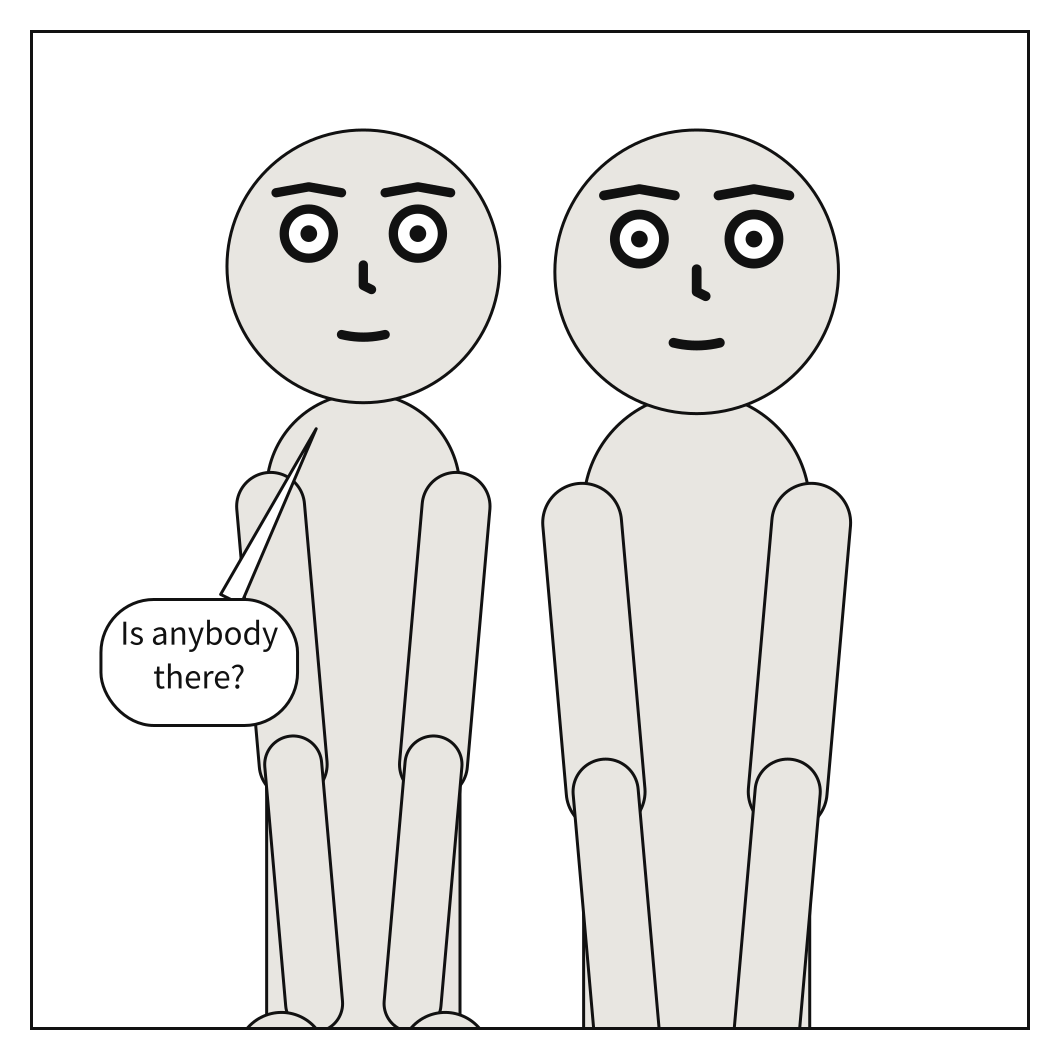
Fixed:
---
# Alice is drawn in the panel, so the relation that places her holds.
cast:
  ALICE: {reference: alice, at: left_third}
  BOB: {reference: bob, at: right_third}
staging: [ALICE left_of BOB]
---
PANEL 1
ALICE
Is anybody there?
looks-like-dialogue#
Level |
note |
Says |
A line in a comic script is set like dialogue but is not read as dialogue |
Keys |
None: it is about the whole document, not about one key |
Since |
0.11 |
In the gallery |
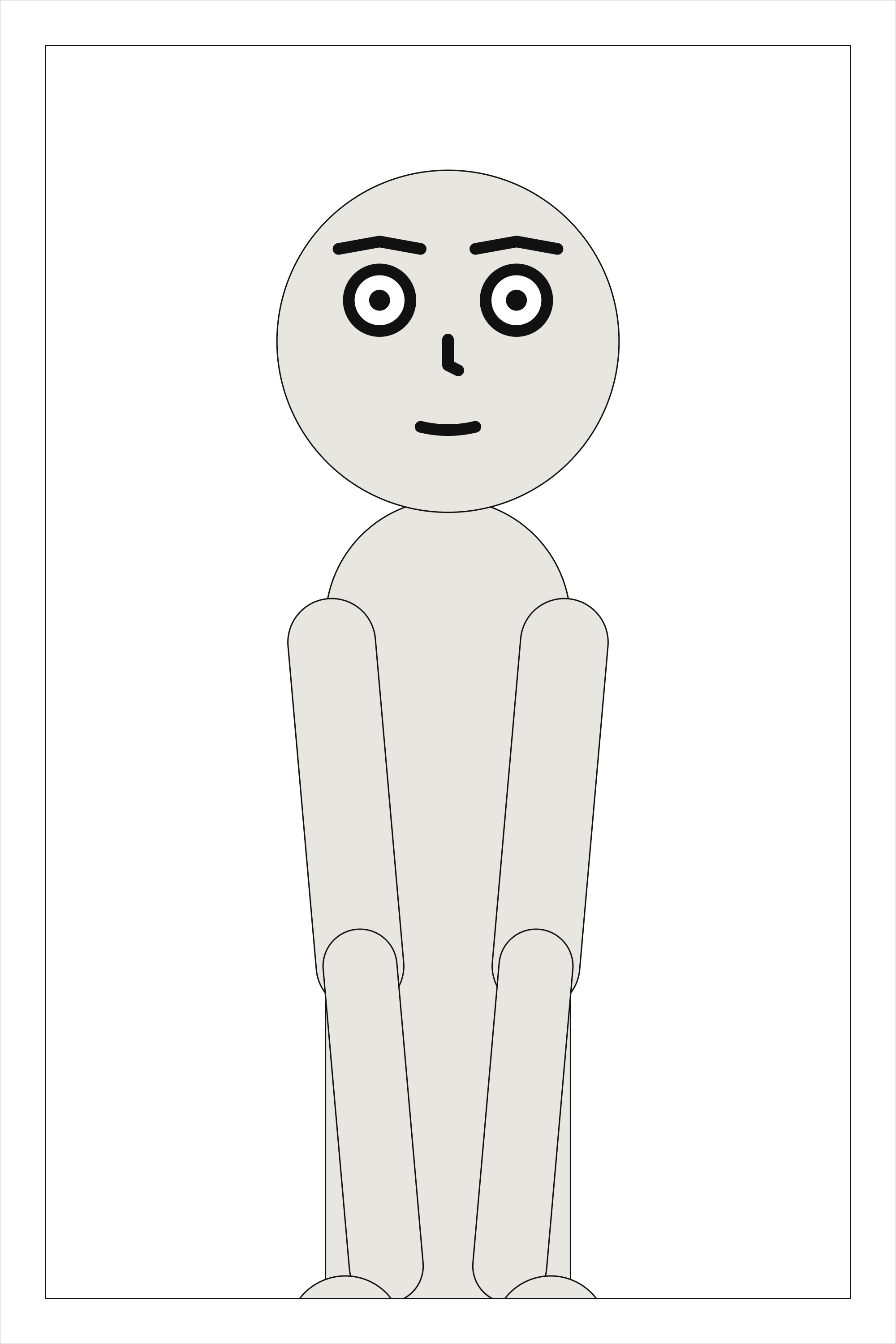
Why it happens. A cue with nothing said under it, or a name in capitals with a line under it where nothing is spoken – before the first PANEL heading, which Dark Horse’s format opens with the writer’s name and address. Read as written, nothing is lost, but a line meant as dialogue would not be lettered, so it is pointed out.
How to fix it. If it is dialogue, put the line under its cue, inside a panel; if not, ignore it.
Checked as looks-like-dialogue.script:
---
# ALICE is set as a cue, but a blank line stands between her and her line.
cast: {ALICE: {reference: alice}}
---
PAGE ONE

Panel 1. A corner, in the rain.

ALICE:

Nobody comes.
scenet check looks-like-dialogue.script says:
looks-like-dialogue.script:9:1: note: looks-like-dialogue: line 9: ALICE is a cue with nothing said under it: the line after it is blank, or is not a line of dialogue. Write the line under the cue, or delete it
Fixed:
---
# ALICE's line is right under her cue.
cast: {ALICE: {reference: alice}}
---
PAGE ONE

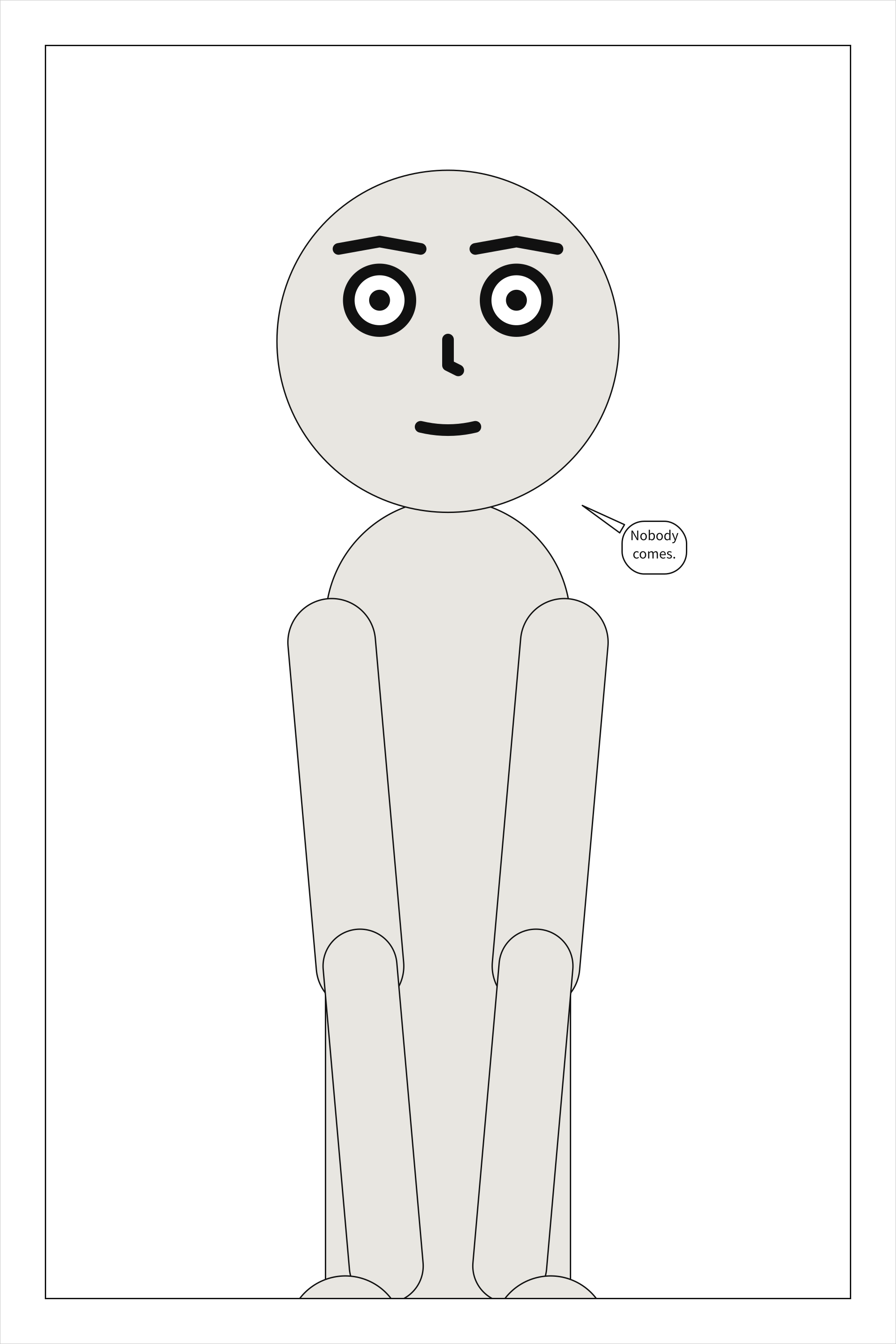
Panel 1. A corner, in the rain.

ALICE:
Nobody comes.
panel-count#
Level |
note |
Says |
A comic script’s PAGE heading states a count its panels do not match |
Keys |
None: it is about the whole document, not about one key |
Since |
0.11 |
In the gallery |
Why it happens. Dark Horse’s script format labels each page with how many panels it has, PAGE ONE (five panels). When the panels under it number something else, a panel heading has often been missed, or written so that it reads as prose – and nothing else would say so. A note, not an error: the panels that are there still compile.
How to fix it. Correct the count, or the panel heading that was not read as one.
Checked as panel-count.script:
---
# The page heading says three panels, and two follow it.
cast: {ALICE: {reference: alice}}
---
PAGE ONE (three panels)

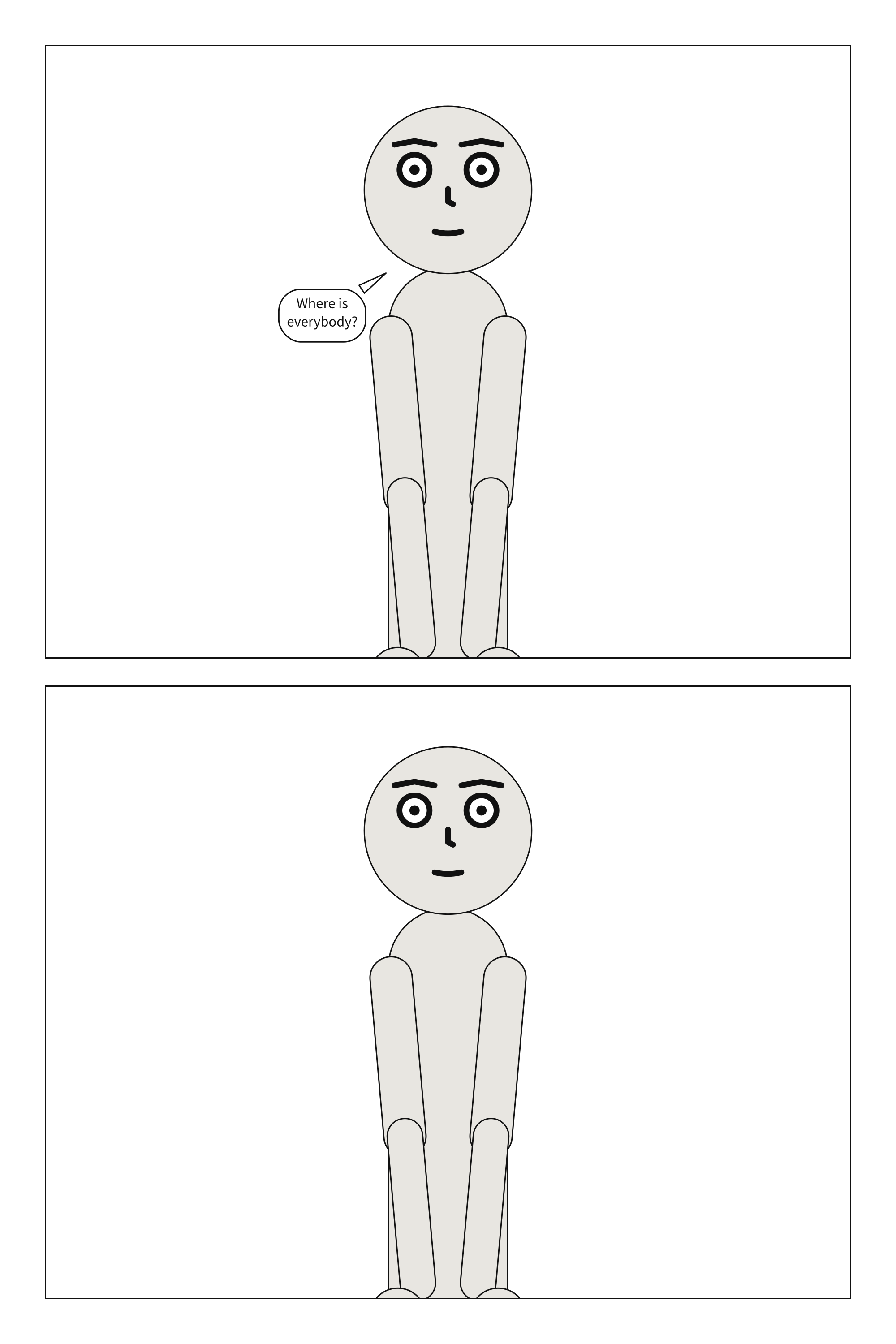
Panel 1. A corner, in the rain.

ALICE:
Where is everybody?

Panel 2. The same corner, empty.
scenet check panel-count.script says:
panel-count.script:5:1: note: panel-count: line 5: PAGE ONE says three panels, but 2 panels follow it. A panel heading may have been missed, or read as prose
Fixed:
---
# The page heading says two panels, and two follow it.
cast: {ALICE: {reference: alice}}
---
PAGE ONE (two panels)

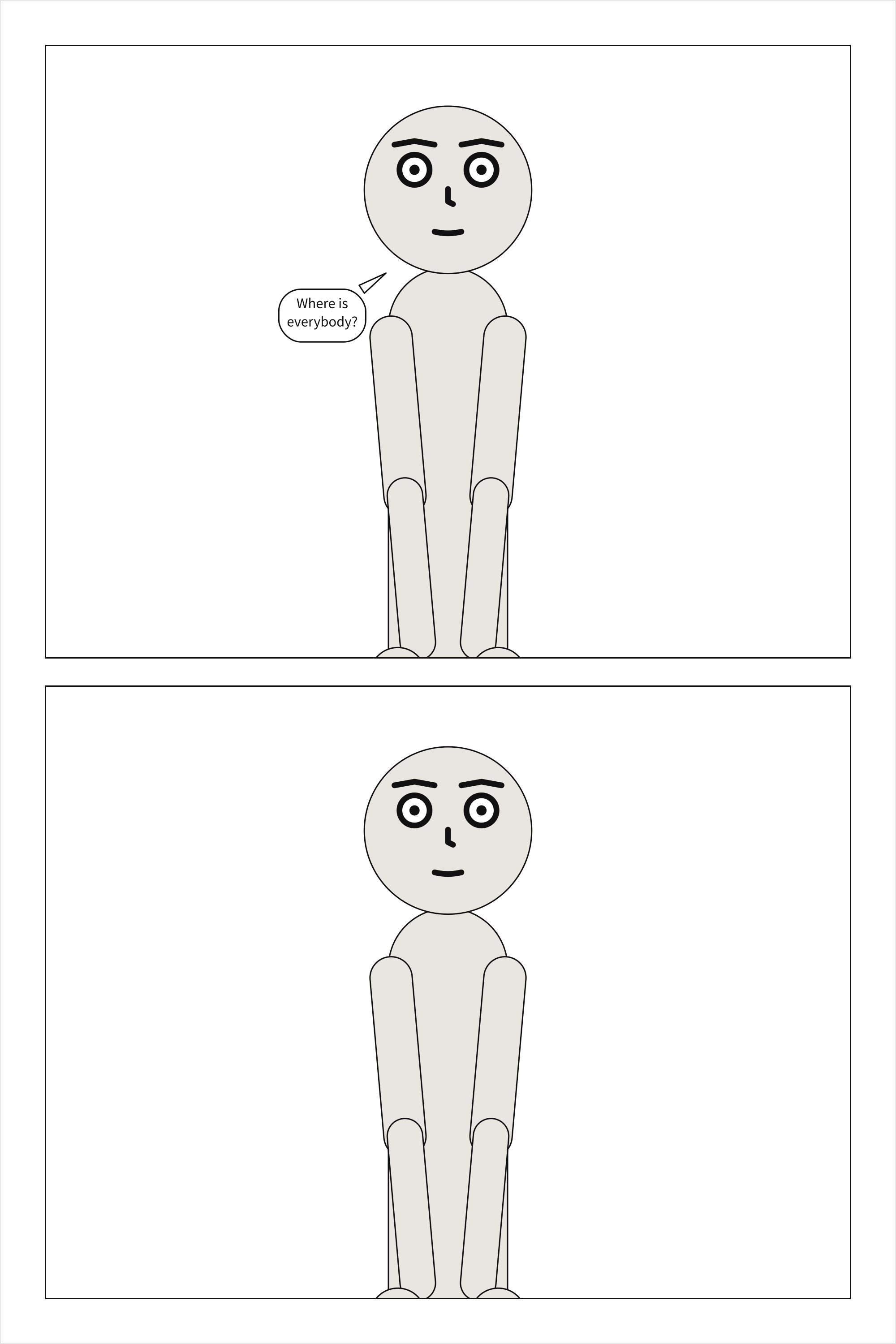
Panel 1. A corner, in the rain.

ALICE:
Where is everybody?

Panel 2. The same corner, empty.
word-limit#
Level |
note |
Says |
A balloon, caption or panel holds more words than a letterer fits well |
Keys |
|
Since |
0.11 |
In the gallery |
Why it happens. Dark Horse’s script format asks for ‘approximately 25 words per balloon, and about 50 words per panel, max’. It is a house limit, not a contradiction: the panel still compiles, so this is a note, and scenet check passes. Words are counted as they are lettered: anything between spaces that holds a letter or a digit, so -- and an ellipsis are not words, and emphasis markers add none. A panel counts its balloons and captions; a sound effect is not counted.
How to fix it. Split the balloon in two, or carry the rest of the words to the next panel.
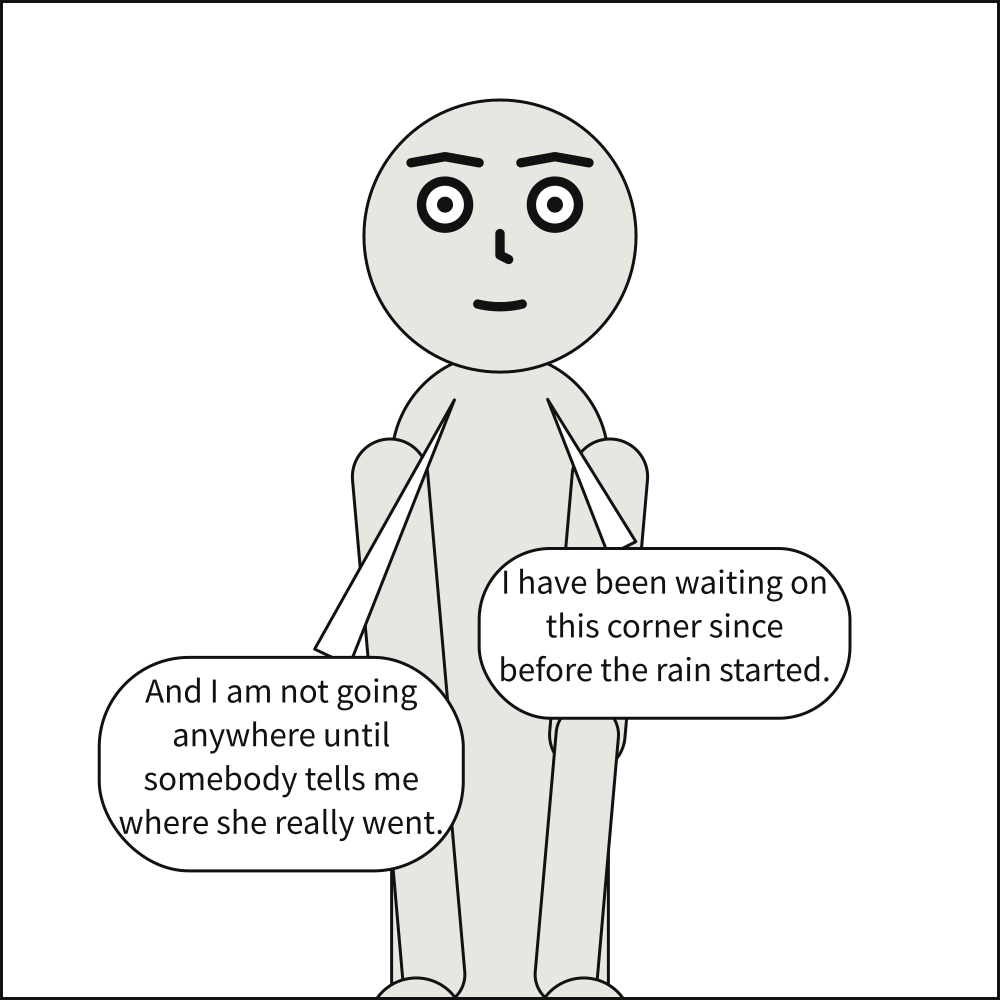
Checked as word-limit.panel.yaml:
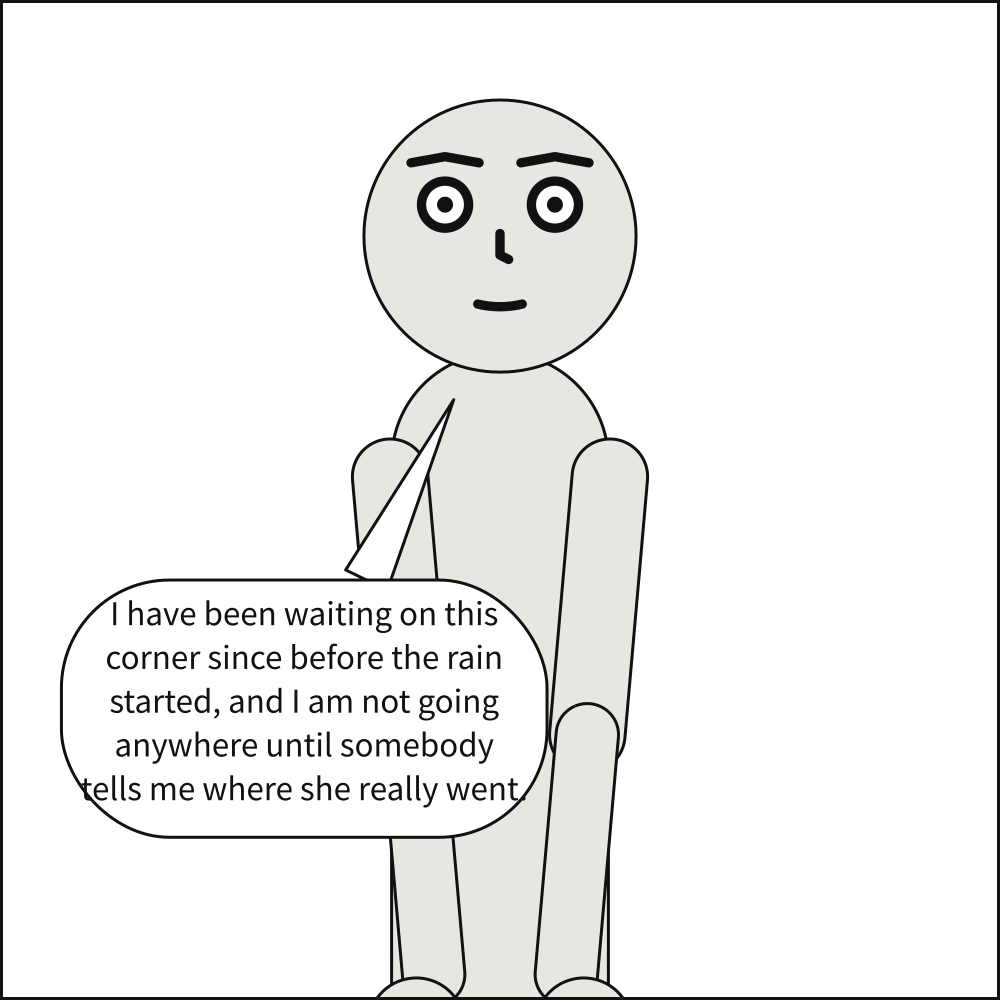
# Twenty-six words in one balloon, one over the twenty-five Dark Horse asks for.
cast:
  bob: {reference: bob}
script:
  - say:
      by: bob
      text: >-
        I have been waiting on this corner since before the rain started, and I am not
        going anywhere until somebody tells me where she really went.
scenet check word-limit.panel.yaml says:
word-limit.panel.yaml:7:13: note: word-limit: this balloon holds 26 words; Dark Horse asks for about 25 a balloon or caption at most
Fixed:
# The same words, split over two balloons.
cast:
  bob: {reference: bob}
script:
  - say:
      by: bob
      text: I have been waiting on this corner since before the rain started.
  - say:
      by: bob
      text: And I am not going anywhere until somebody tells me where she really went.
Notes from the compiler#
The document is valid, and compiling it decided something it did not literally ask for. scenet build prints each as a note: line, and CompileResult.compile_notes gives each with its name.
bold-italic-stand-in#
Level |
note |
Says |
No bold italic face is named, so another face stands in for it |
Keys |
|
Since |
0.11 |
In the gallery |
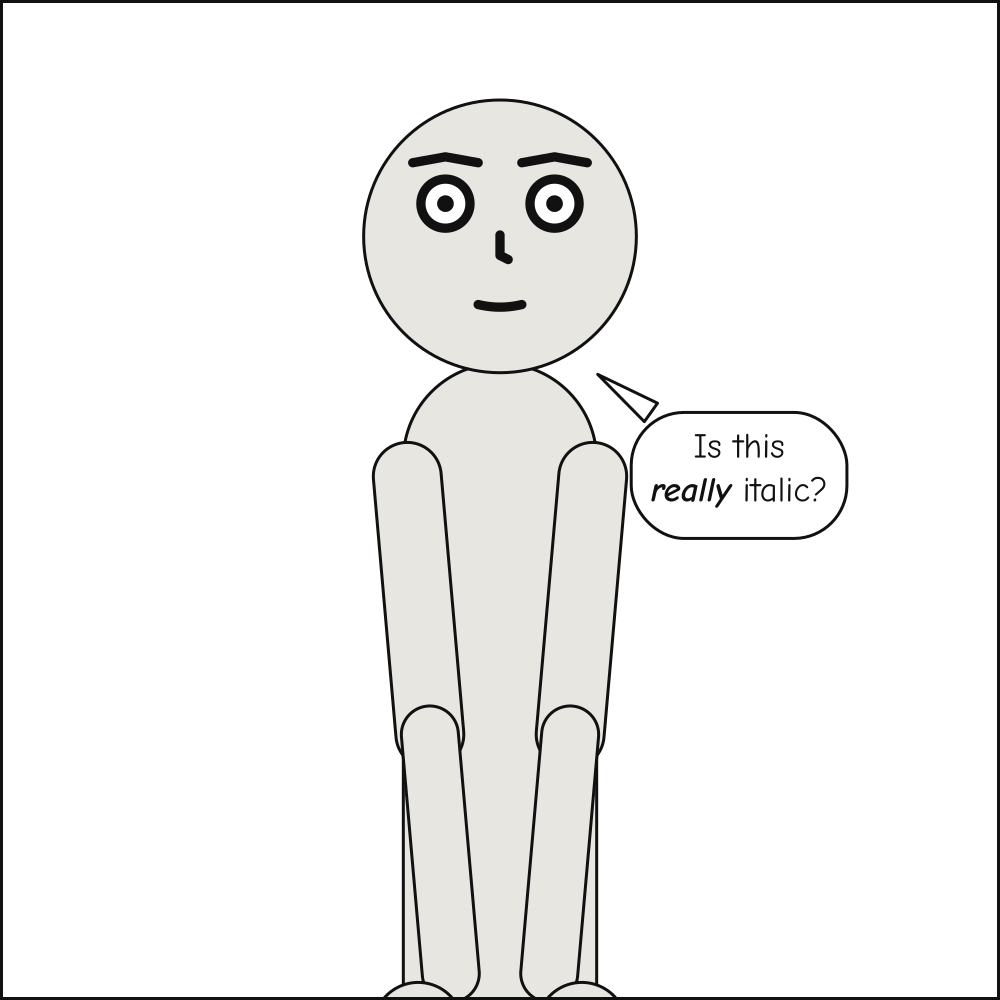
Why it happens. A stressed word, written between underscores, is lettered in bold italic. When lettering.font names no bold italic face, stressed words are set in its italic face, or its regular one if it names no italic either – so the stress is not seen.
How to fix it. Name the bold italic face, as bold_italic: in lettering.font.
Checked as bold-italic-stand-in.panel.yaml:
# A stressed word is set in bold italic, and lettering.font names no bold italic face.
lettering:
  font:
    regular: fonts/ComicNeue-Regular.ttf
    italic: fonts/ComicNeue-Italic.ttf
cast: {alice: {reference: alice}}
script:
  - say: {by: alice, text: "Is this _really_ italic?"}
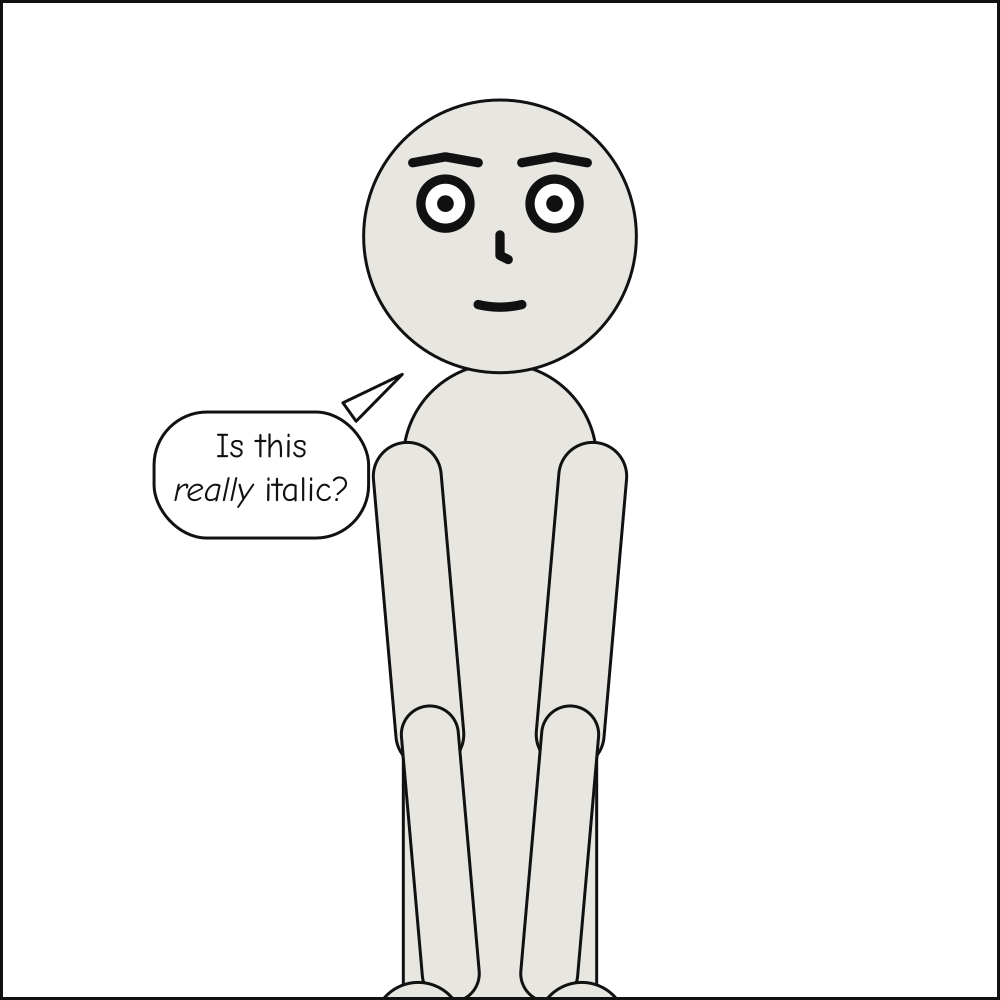
scenet build bold-italic-stand-in.panel.yaml says:
note: no bold italic face is named in lettering.font, so emphasis is set in Comic Neue Italic; name one as `bold_italic:`
Fixed:
# The bold italic face is named beside the other two.
lettering:
  font:
    regular: fonts/ComicNeue-Regular.ttf
    italic: fonts/ComicNeue-Italic.ttf
    bold_italic: fonts/ComicNeue-BoldItalic.ttf
cast: {alice: {reference: alice}}
script:
  - say: {by: alice, text: "Is this _really_ italic?"}
camera-retreated#
Level |
note |
Says |
The camera stepped back so the cast would fit across the panel |
Keys |
|
Since |
0.1 |
In the gallery |
Two characters, Depth and overlap, The camera retreats, A sequence, A comic script, Ten expressions, Insets, A Dark Horse script, A French script, A complete panel |
Why it happens. A shot type is a crop landmark and a headroom, in head-heights, so a close-up of one person is a fixed scale. Two people side by side at that scale can be wider than the panel. Rather than crop somebody out, the camera retreats – keeps the shot’s crop line and headroom, at a smaller scale – and the note says by how much, as a share of the framing that was asked for.
How to fix it. Widen the panel, ask for a looser shot, or stage fewer people in it; or accept it, if a slightly looser shot is fine.
Checked as camera-retreated.panel.yaml:
# Two characters side by side, at a close-up, in a panel too narrow for both faces.
panel: {size: [600, 400]}
camera: {shot: close_up}
cast: {alice: {reference: alice}, bob: {reference: bob}}
staging: [alice left_of bob]
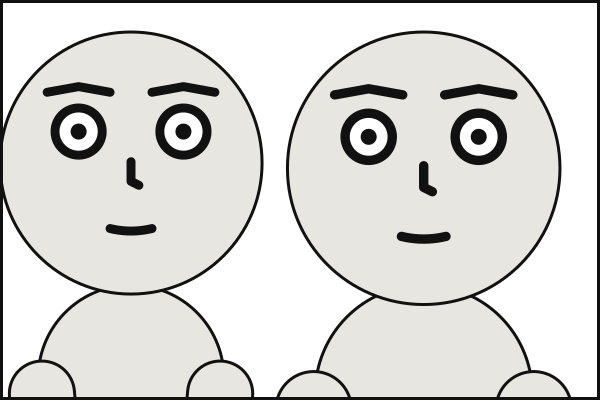
scenet build camera-retreated.panel.yaml says:
note: camera retreated to 94% of the requested 'close_up' framing so the cast would fit across the panel
Fixed:
# A wider panel holds both faces at the close-up that was asked for.
panel: {size: [1200, 400]}
camera: {shot: close_up}
cast: {alice: {reference: alice}, bob: {reference: bob}}
staging: [alice left_of bob]
cropped-marks#
Level |
note |
Says |
A character’s marks run off the panel at this framing |
Keys |
|
Since |
0.8 |
In the gallery |
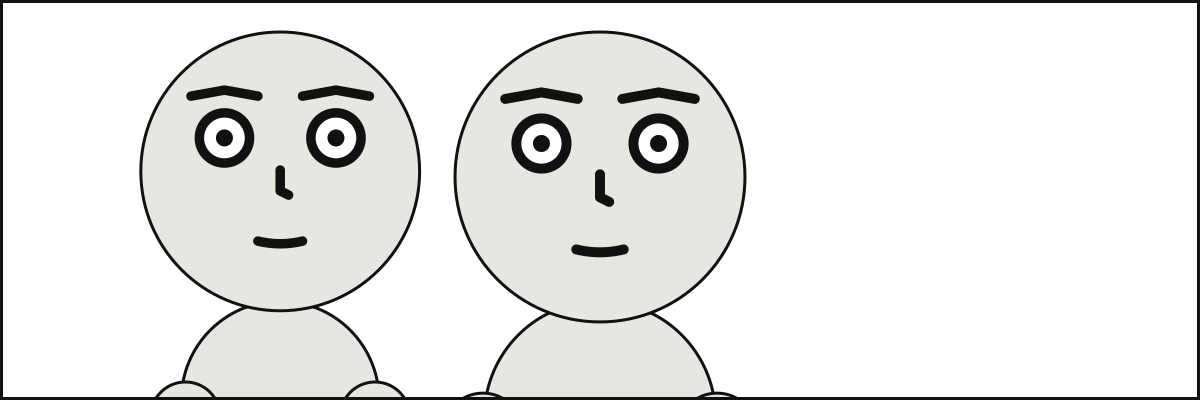
Why it happens. Emanata – plewds, motion lines, a question mark – are drawn outside the head, and the camera frames by the body: it makes no room for them, which is what keeps them from ever moving anybody. A tight shot can therefore crop them, and a mark that vanished without a word would be a surprise.
How to fix it. Ask for a looser shot, or give the marks to somebody they fit around.
Checked as cropped-marks.panel.yaml:
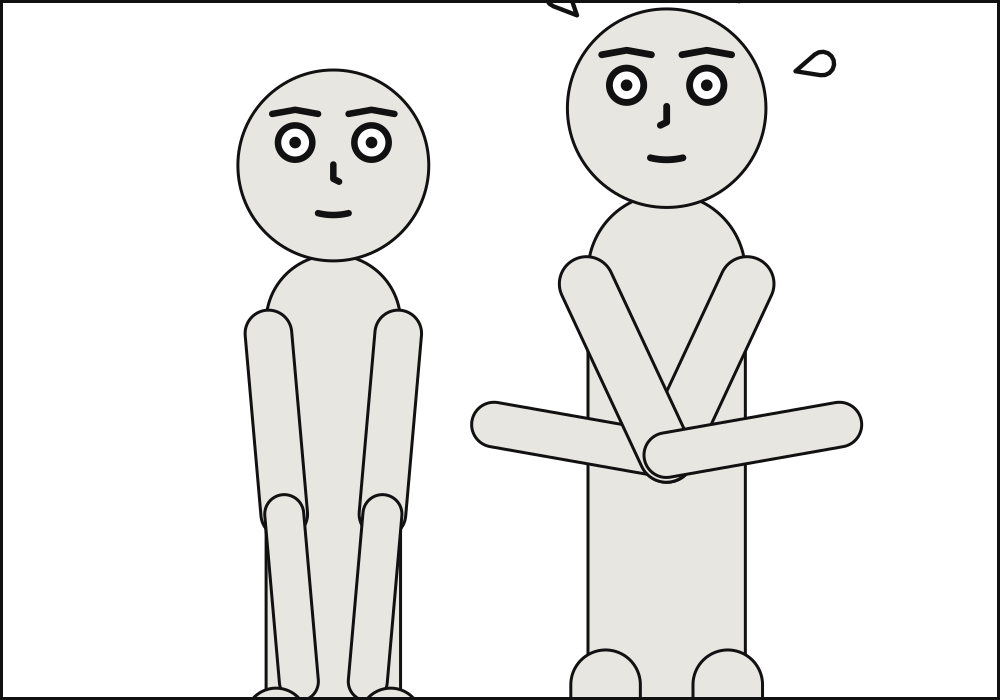
# Bob's plewds are drawn above his head, and a medium shot crops them off the top.
panel: {size: [1000, 700]}
camera: {shot: medium_shot}
cast:
  alice: {reference: alice, at: left_third}
  bob: {reference: bob, pose: arms_crossed, at: right_third, facing: left, marks: [plewds]}
staging:
  - alice left_of bob
  - alice ground_shared_with bob
scenet build cropped-marks.panel.yaml says:
note: bob's plewds run off the panel at this framing; the camera makes no room for marks, so a looser shot shows more
Fixed:
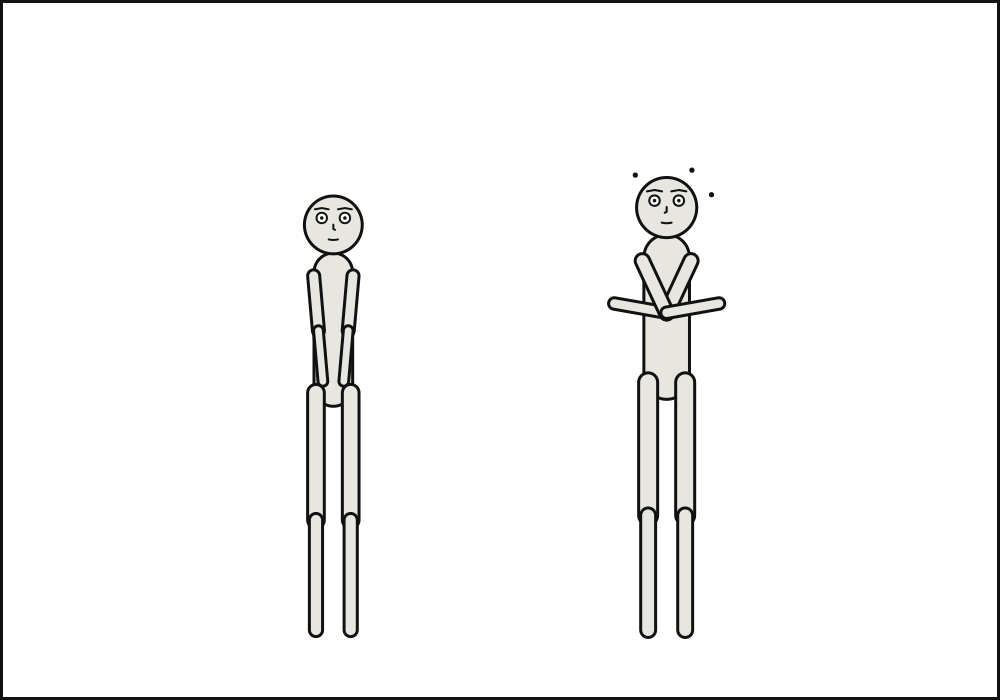
# A long shot leaves room above Bob's head for his plewds.
panel: {size: [1000, 700]}
camera: {shot: long_shot}
cast:
  alice: {reference: alice, at: left_third}
  bob: {reference: bob, pose: arms_crossed, at: right_third, facing: left, marks: [plewds]}
staging:
  - alice left_of bob
  - alice ground_shared_with bob
cropped-mouth#
Level |
note |
Says |
A speaking figure’s mouth is cropped out of the panel by the picture’s fit |
Keys |
|
Since |
0.12 |
In the gallery |
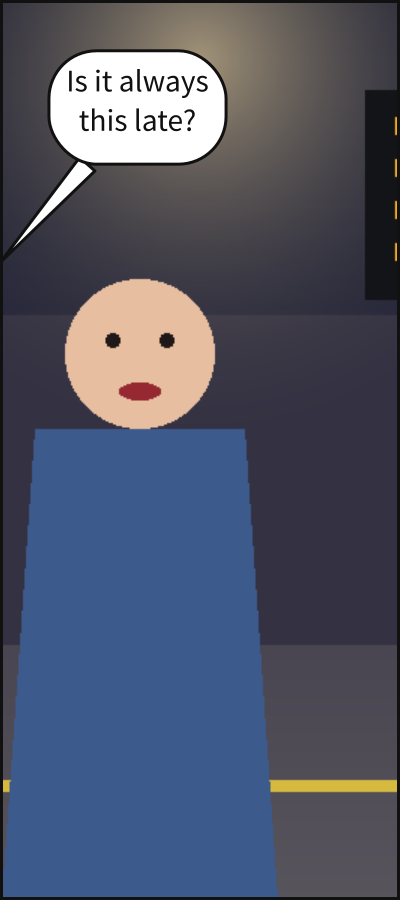
Why it happens. fit: cover fills the panel with a supplied picture and crops what overhangs. When that crops the mouth of a figure who speaks, the balloon’s tail cannot reach it, so it stops on the frame, aimed at where the mouth is.
How to fix it. Write fit: contain, which shows the whole picture, or reshape the panel.
Checked as cropped-mouth.panel.yaml:
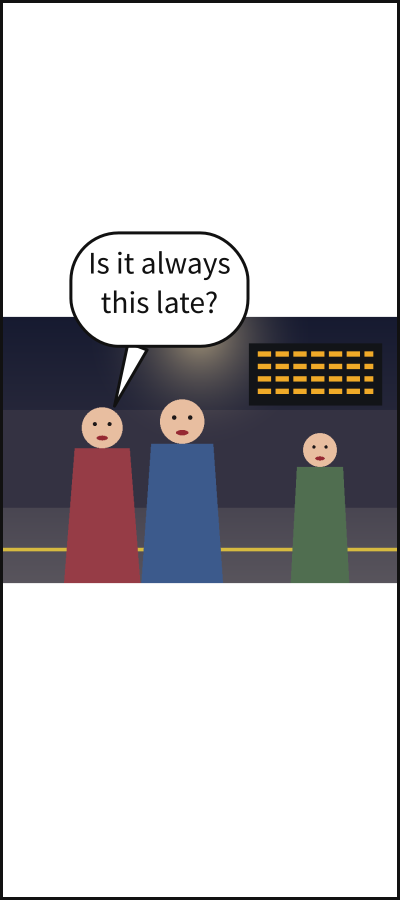
# `fit: cover` fills a tall panel with a wide picture and crops Ana, who speaks, away.
panel: {size: [400, 900]}
setting: {image: art/figures.png, fit: cover}
cast:
  ana: {figure: ana}
script:
  - say: {by: ana, text: "Is it always this late?"}
scenet build cropped-mouth.panel.yaml says:
note: ana's mouth is outside the panel, cropped by the picture's fit, so balloon b0's tail stops on the frame; `fit: contain` shows the whole picture
Fixed:
# `fit: contain` shows the whole picture, Ana's mouth with it.
panel: {size: [400, 900]}
setting: {image: art/figures.png, fit: contain}
cast:
  ana: {figure: ana}
script:
  - say: {by: ana, text: "Is it always this late?"}
curved-tail#
Level |
note |
Says |
A balloon’s tail bends around a face |
Keys |
|
Since |
0.1 |
In the gallery |
Why it happens. A tail runs from its balloon to the speaker’s mouth, or to the frame for a voice from off panel. When a straight one would cross somebody’s face, it bends around it instead. Nothing is wrong, but a bent tail is usually a sign that the balloon sits far from its speaker, or that the panel is crowded.
How to fix it. Let the balloon sit on its speaker’s side – drop its prefer, or ask for the zone nearer the speaker – or give the panel more room.
Checked as curved-tail.panel.yaml:
# Carol speaks from the left, her balloon asks for the top right, and Bob's head is between.
panel: {size: [900, 600]}
camera: {shot: medium_close_up}
cast:
  bob: {reference: bob, at: center}
script:
  - say: {by: carol, text: "Behind you!", off_panel: left, prefer: top_right}
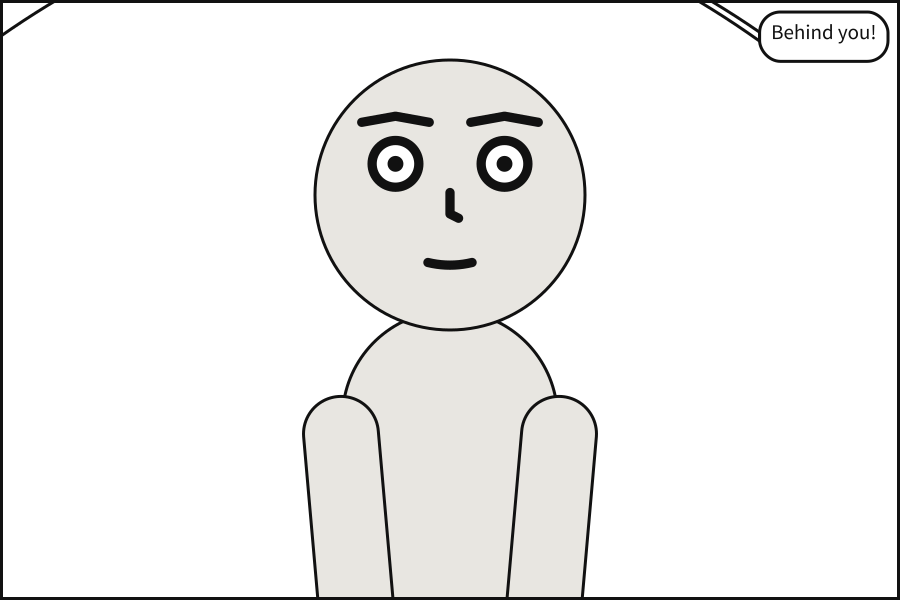
scenet build curved-tail.panel.yaml says:
note: balloon b0 needed a curved tail to clear a face
Fixed:
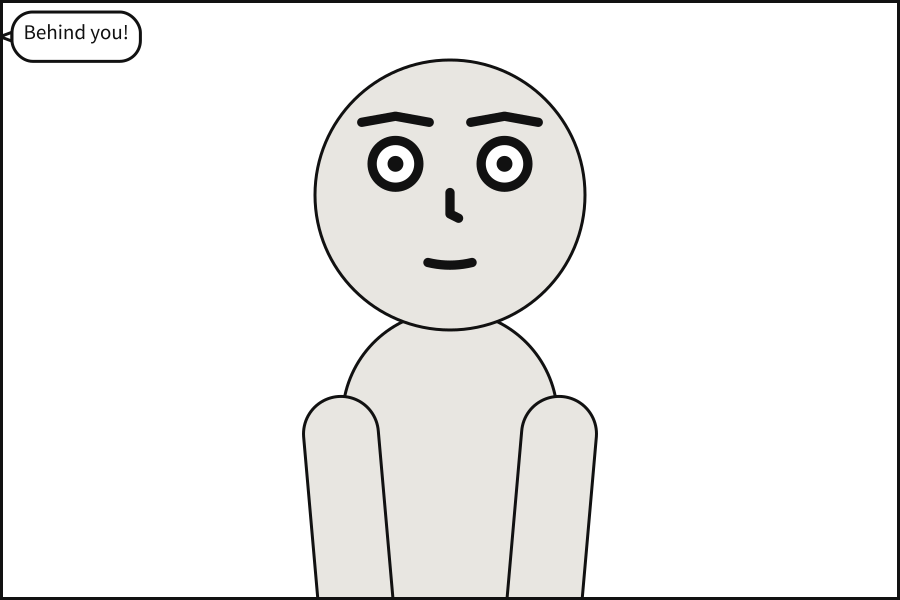
# The balloon sits on the side the voice comes from, and its tail runs straight.
panel: {size: [900, 600]}
camera: {shot: medium_close_up}
cast:
  bob: {reference: bob, at: center}
script:
  - say: {by: carol, text: "Behind you!", off_panel: left, prefer: top_left}
inset-covers-face#
Level |
note |
Says |
An inset is drawn over a face |
Keys |
|
Since |
0.10 |
In the gallery |
Why it happens. An inset is set into a corner of its panel and drawn over it. The panel’s art is staged and framed as if the inset were not there – only its lettering keeps clear – so an inset can cover a face as easily as a patch of sky.
How to fix it. Set the inset into another corner, make it smaller, or frame the panel so that nobody’s face is in that corner.
Checked as inset-covers-face.scene.yaml:
# The clock is set into the top right corner of the street, where Bob's face is.
page: {size: [1500, 1000], margin: 75}
cast:
  alice: {reference: alice, at: left_third}
  bob: {reference: bob, at: right_third, facing: left}
panels:
  street:
    camera: {shot: medium_shot}
    staging: [alice left_of bob]
  clock:
    cast: {alice: null}
    camera: {shot: close_up}
pages:
  - tiers:
      - panels:
          - use: street
            insets:
              - {use: clock, at: top_right, size: 0.35}
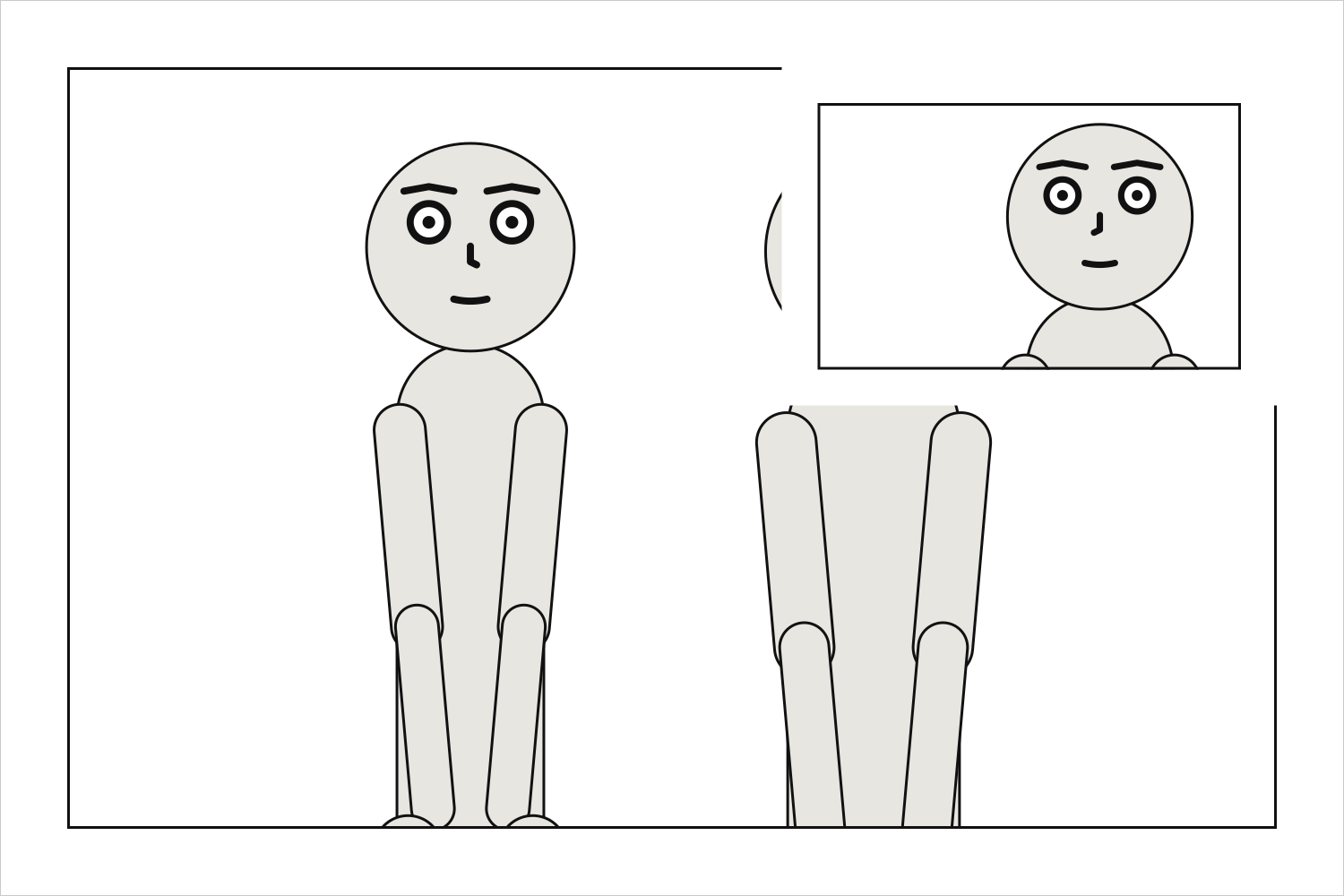
scenet build inset-covers-face.scene.yaml says:
note: street: an inset covers bob's face; it is drawn over the art, which does not move for it, so put the inset in another corner or reframe the panel
Fixed:
# The clock is set into the bottom left corner, where no face is.
page: {size: [1500, 1000], margin: 75}
cast:
  alice: {reference: alice, at: left_third}
  bob: {reference: bob, at: right_third, facing: left}
panels:
  street:
    camera: {shot: medium_shot}
    staging: [alice left_of bob]
  clock:
    cast: {alice: null}
    camera: {shot: close_up}
pages:
  - tiers:
      - panels:
          - use: street
            insets:
              - {use: clock, at: bottom_left, size: 0.3}
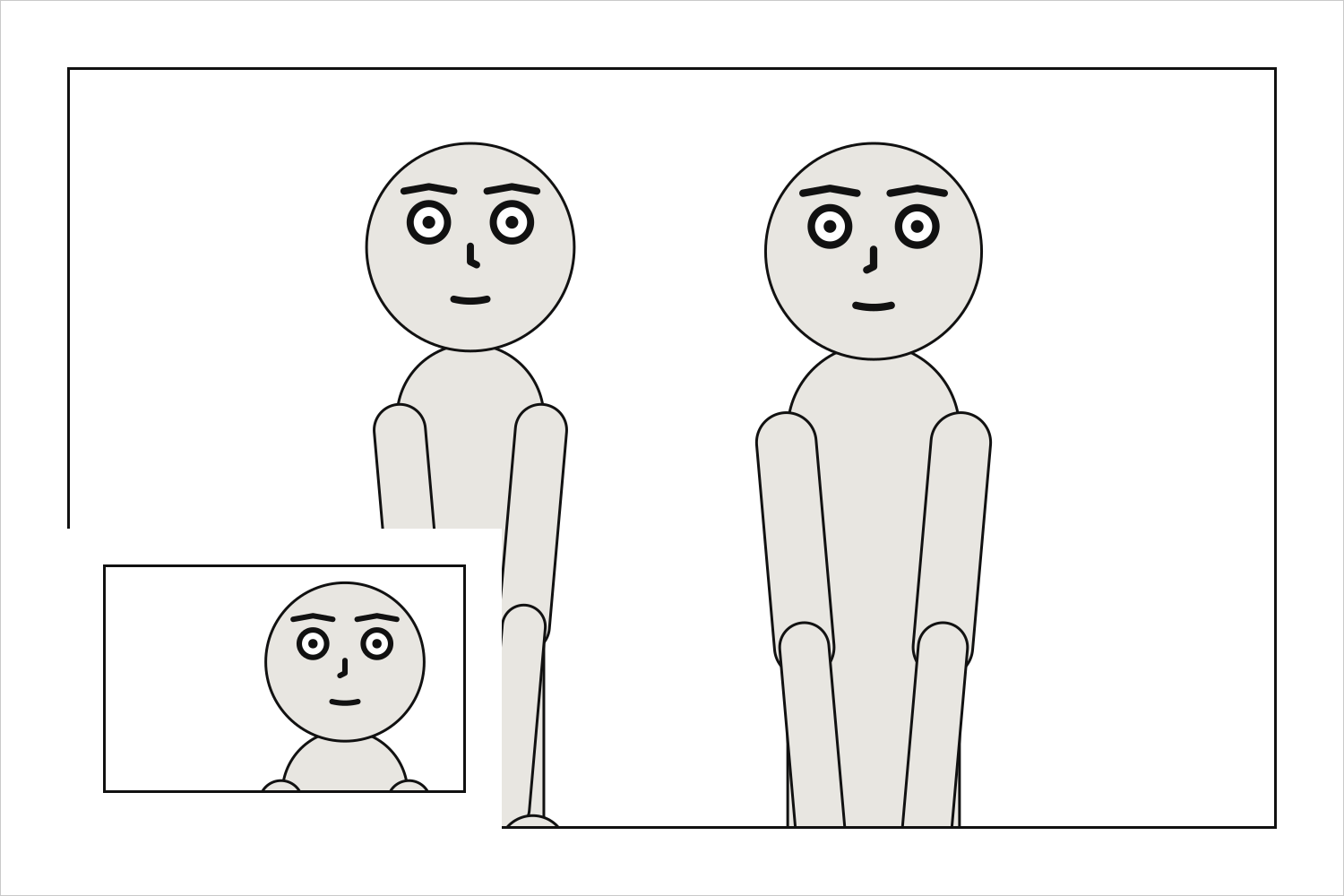
italic-stand-in#
Level |
note |
Says |
No italic face is named, so the regular face stands in for it |
Keys |
|
Since |
0.11 |
In the gallery |
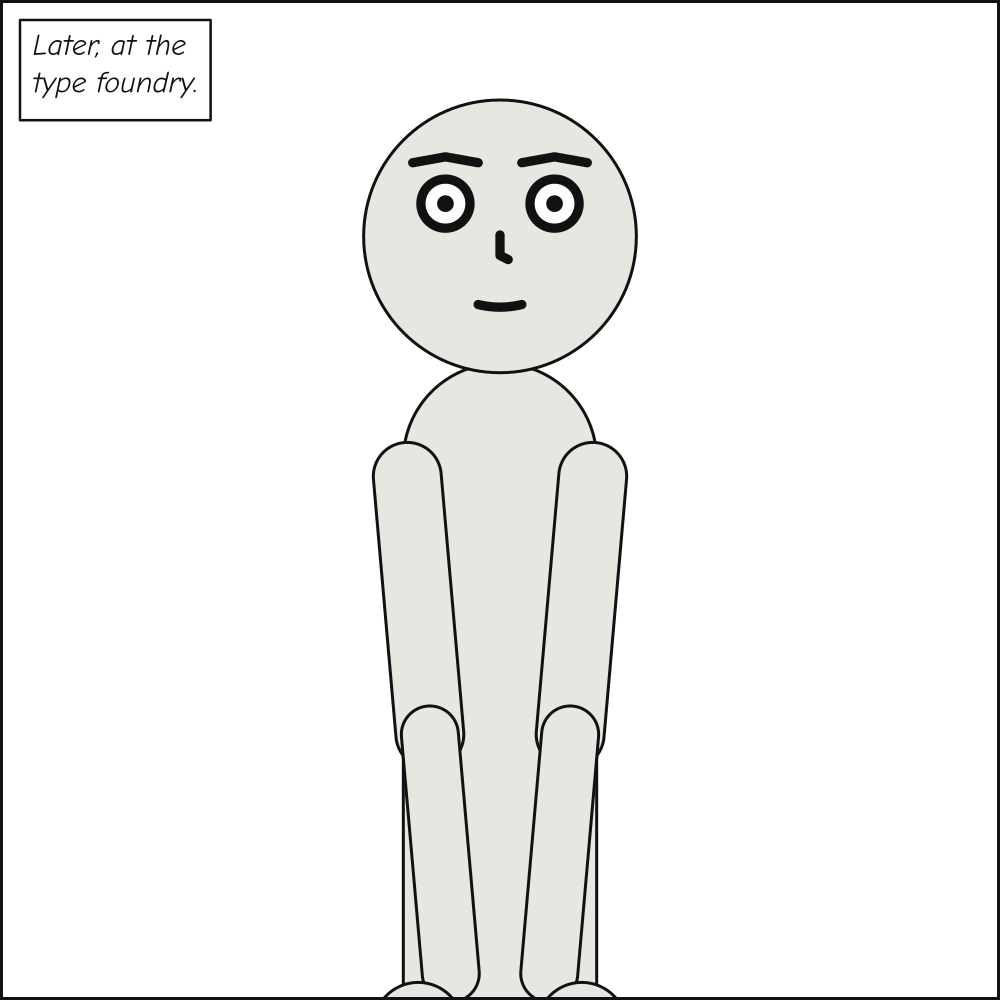
Why it happens. Every caption but a spoken one is lettered in italic. lettering.font names the faces a document is lettered in; when it names a regular face and no italic, those captions are set in the regular face. It is the document’s own face that stands in, not the shipped italic: a family mixing two typefaces would not be one family.
How to fix it. Name the italic face beside the regular one, as italic: in lettering.font.
Checked as italic-stand-in.panel.yaml:
# A locale caption is set in italic, and lettering.font names no italic face.
lettering:
  font: {regular: fonts/ComicNeue-Regular.ttf}
cast: {alice: {reference: alice}}
script:
  - caption: {text: "Later, at the type foundry.", kind: locale}
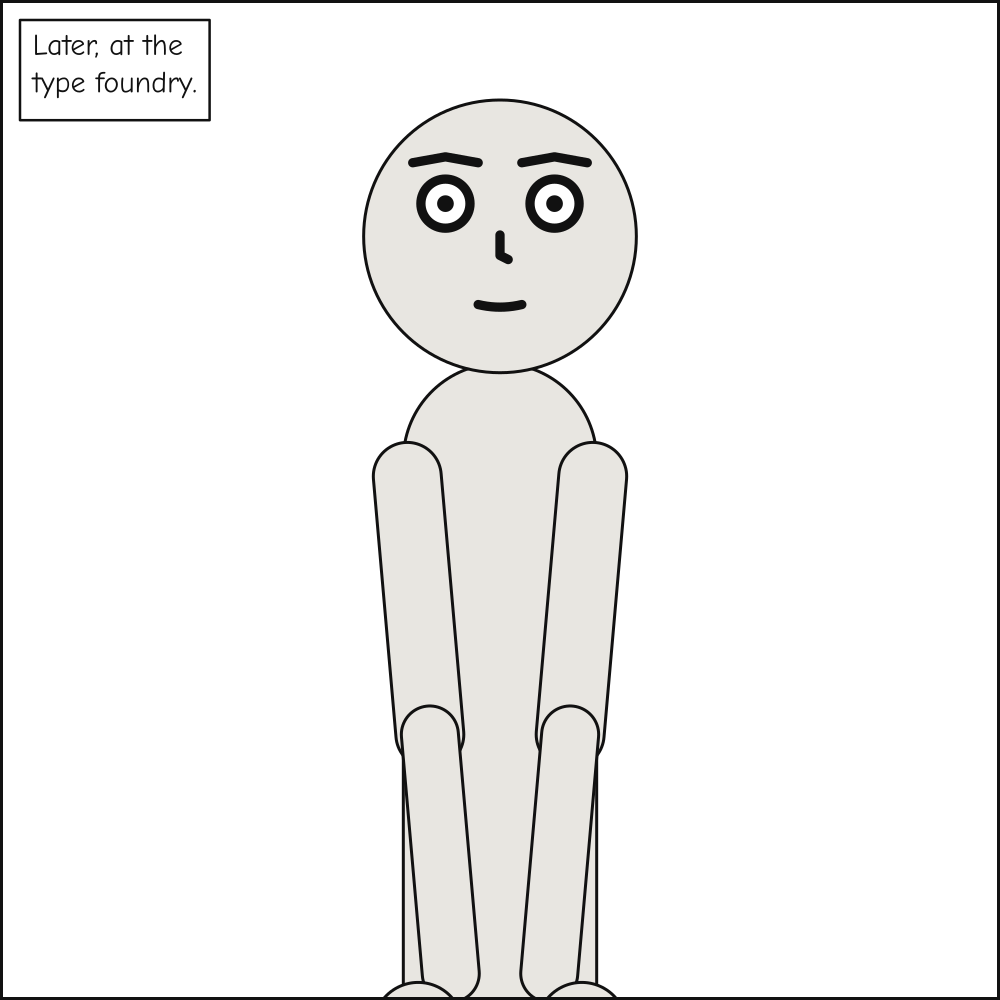
scenet build italic-stand-in.panel.yaml says:
note: no italic face is named in lettering.font, so italic captions are set in Comic Neue Regular; name one as `italic:`
Fixed:
# The italic face is named beside the regular one.
lettering:
  font:
    regular: fonts/ComicNeue-Regular.ttf
    italic: fonts/ComicNeue-Italic.ttf
cast: {alice: {reference: alice}}
script:
  - caption: {text: "Later, at the type foundry.", kind: locale}
slant-cuts-face#
Level |
note |
Says |
A slanted gutter cuts across a face |
Keys |
|
Since |
0.10 |
In the gallery |
Why it happens. A slanted tier leans the gutters between its panels. Each panel is staged and framed in its bounding box as usual and then cut to its outline, as a margin would cut it; the camera does not know the cut is there, so it can fall across a face.
How to fix it. Lean the tier less, or frame the shot so the face is clear of the cut: a looser shot, or the face further from the slanted side.
Checked as slant-cuts-face.scene.yaml:
# The tier leans twenty degrees, and its slanted gutter cuts across Bob's close-up face.
page: {size: [1500, 900], margin: 75}
panels:
  swing:
    camera: {shot: full_shot}
    cast: {alice: {reference: alice, facing: right}}
  hit:
    camera: {shot: close_up}
    cast: {bob: {reference: bob, facing: left}}
pages:
  - tiers:
      - {slant: 20, panels: [swing, hit]}
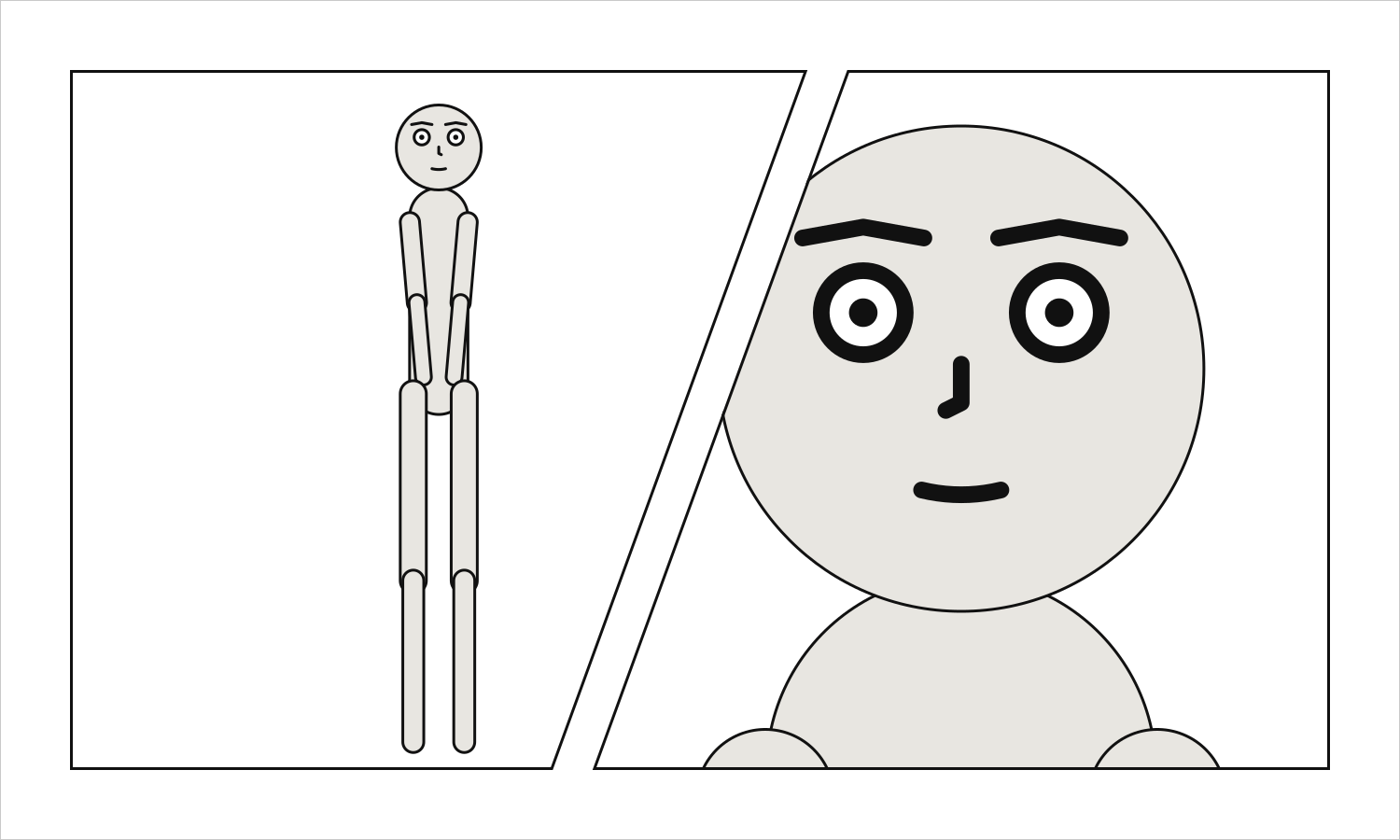
scenet build slant-cuts-face.scene.yaml says:
note: hit: the slanted edge of this panel cuts across bob's face; lean the tier less, or frame the shot so the face is clear of it
Fixed:
# A looser shot of Bob keeps his face clear of the slanted gutter.
page: {size: [1500, 900], margin: 75}
panels:
  swing:
    camera: {shot: full_shot}
    cast: {alice: {reference: alice, facing: right}}
  hit:
    camera: {shot: medium_shot}
    cast: {bob: {reference: bob, facing: left}}
pages:
  - tiers:
      - {slant: 20, panels: [swing, hit]}