panel#
The panel’s frame: its size and margin, in panel units.
Where |
A |
Type |
a mapping |
Default |
each key’s own |
Since |
0.1 |
Diagnostics |
The frame everything else is measured against. A panel has a size and a margin, in panel units, and nothing in it is ever given a coordinate: the size says what a unit is, and the compiler works out the rest.
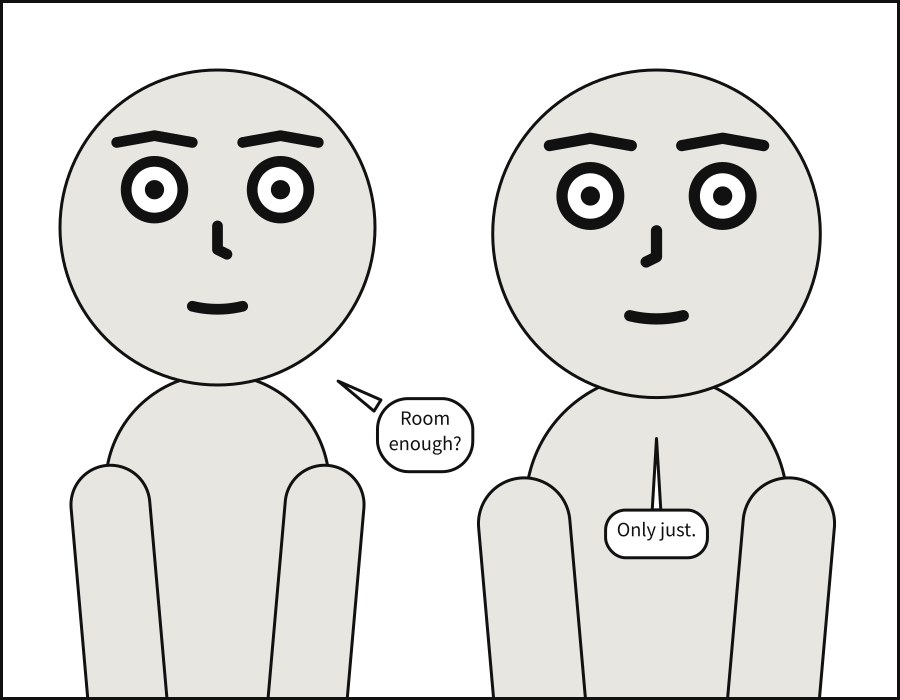
On a page, a panel is compiled at the size of its frame, and its own
size is not used: the page decides how big the frame is and nothing about what goes in it.
Its margin is kept, and a margin the frame has no room for is a page-layout error.
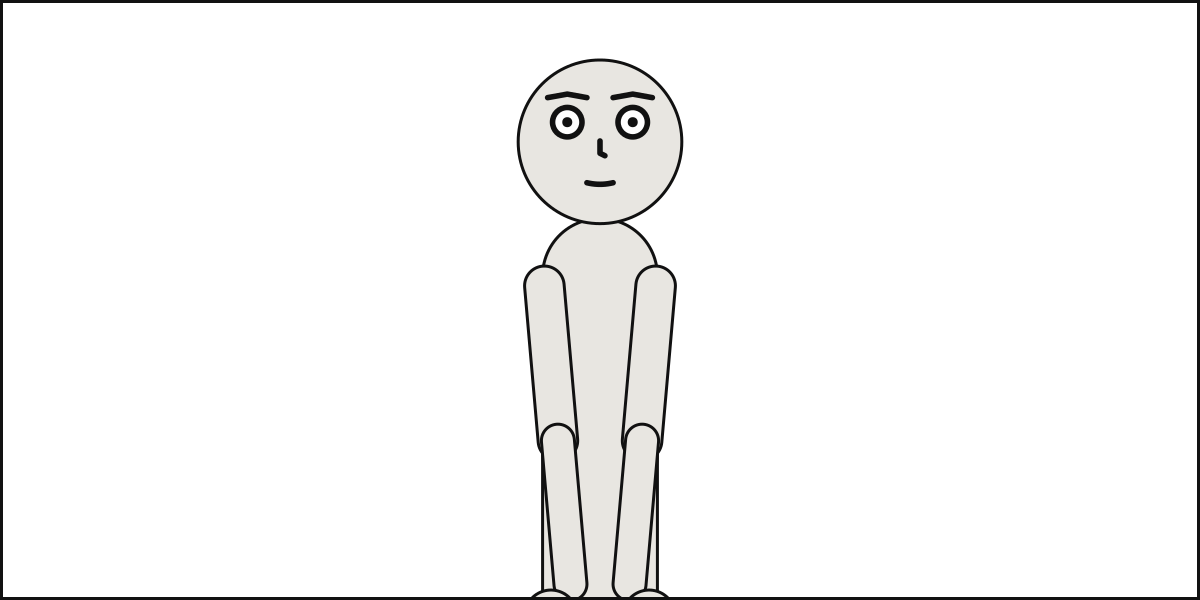
See also: camera, which frames the cast inside the panel;
page.size, the size of a page of panels.
panel.size#
The panel’s width and height, [width, height], in panel units: everything else is measured against them. Printed, a unit is a tenth of a millimetre.
Where |
A |
Type |
|
Default |
|
Since |
0.1 |
Diagnostics |
Panel units are arbitrary and consistent: every length in the language – a margin, a type size, a gutter – is in them, and they become the SVG’s user units. Printed, a unit is a tenth of a millimetre, so the default panel prints as a square 10 cm on a side.
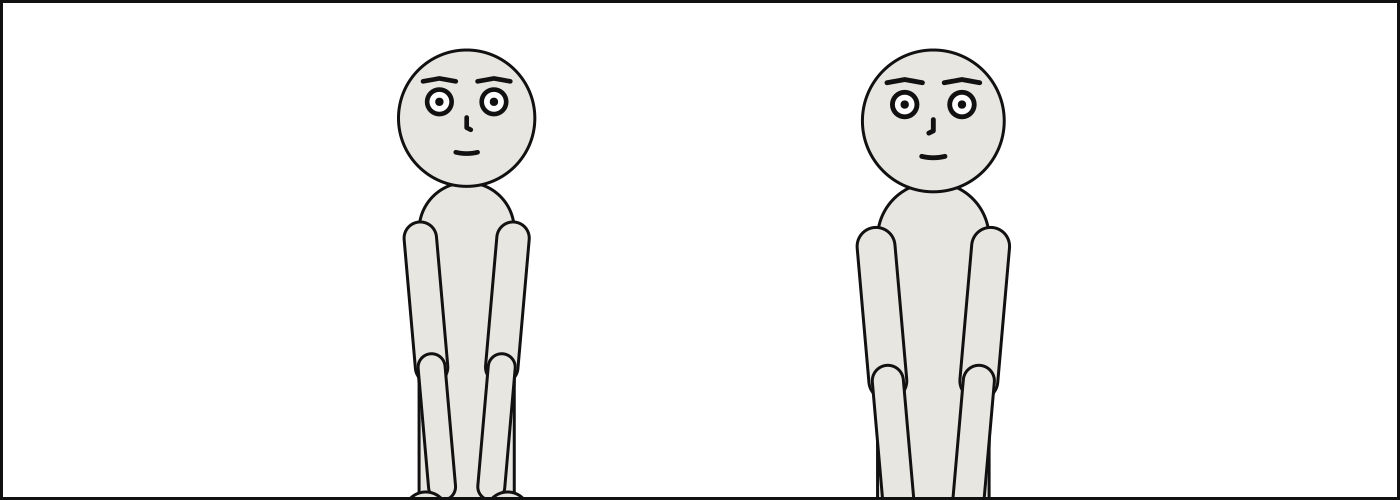
A size must be positive in both directions. A long, low panel and a tall, narrow one are both ordinary; what changes is how much of the cast the camera can fit across, so a narrow panel may make the camera step back from the shot it was asked for.
panel: {size: [1400, 500]}
cast:
  alice: {reference: alice, at: left_third}
  bob: {reference: bob, at: right_third, facing: left}
See also: panel.margin, camera.shot.
panel.margin#
An inset on all four sides, in panel units. Balloons, captions and sound effects keep inside it; figures may run past it, as comics let them.
Where |
A |
Type |
a number |
Values |
0 or more |
Default |
|
Since |
0.1 |
Diagnostics |
|
In the gallery |
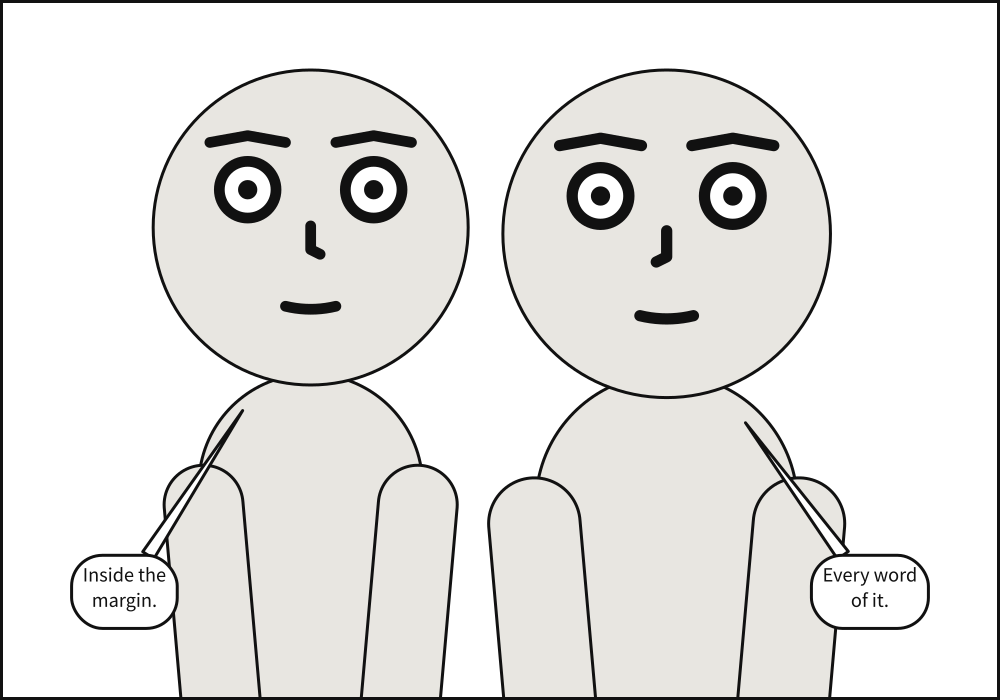
The margin is where lettering stops. Every balloon, caption and sound effect keeps inside it, and so does each tail. Figures do not: a figure framed tightly runs past the margin, and past the frame itself, which is ordinary comics practice – the frame crops it.
A margin may not leave the panel without an inside: twice the margin must be less than the
shorter side, or the panel is refused as panel-geometry.
panel: {size: [1000, 700], margin: 60}
camera: {shot: medium_close_up}
cast:
  alice: {reference: alice, at: left_third}
  bob: {reference: bob, at: right_third, facing: left}
script:
  - say: {by: alice, text: "Inside the margin."}
  - say: {by: bob, text: "Every word of it."}
See also: panel.size, panels[].bleed, a frame
that runs past the page’s trim.